AI Foundations
What Is an AI Workflow? A Small Business Guide
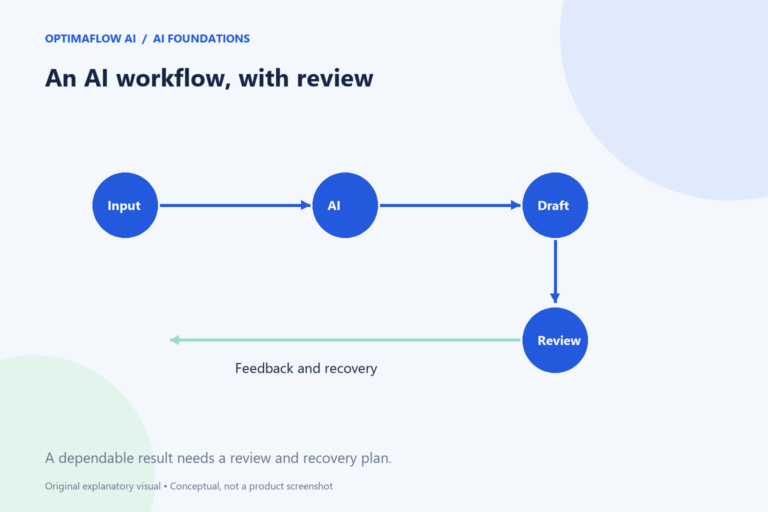
Understand triggers, AI steps, actions, and human review. Map a practical small-business workflow without automating more than you need.
Read the guide →Explore workflow basics, better content briefs, WordPress publishing, support handoffs, and realistic cost planning.
Understand triggers, AI steps, actions, and human review. Map a practical small-business workflow without automating more than you need.
Read the guide →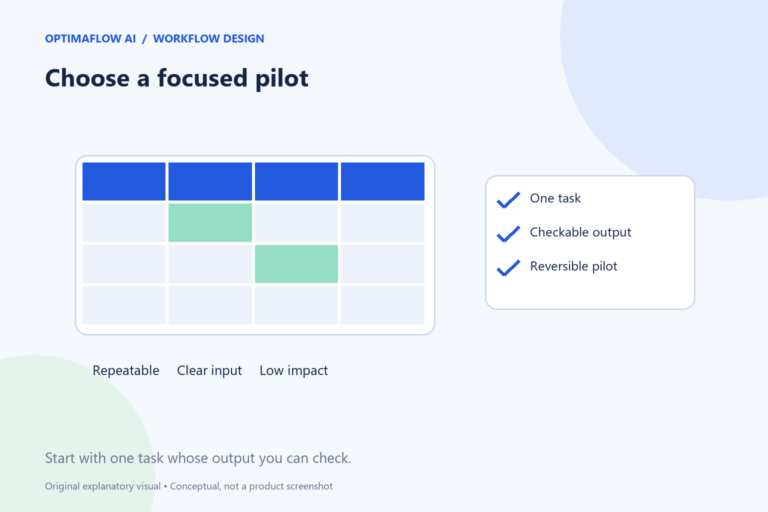
Compare repeatability, volume, data quality, and error impact before choosing a business task to automate. Includes a practical pilot checklist.
Read the guide →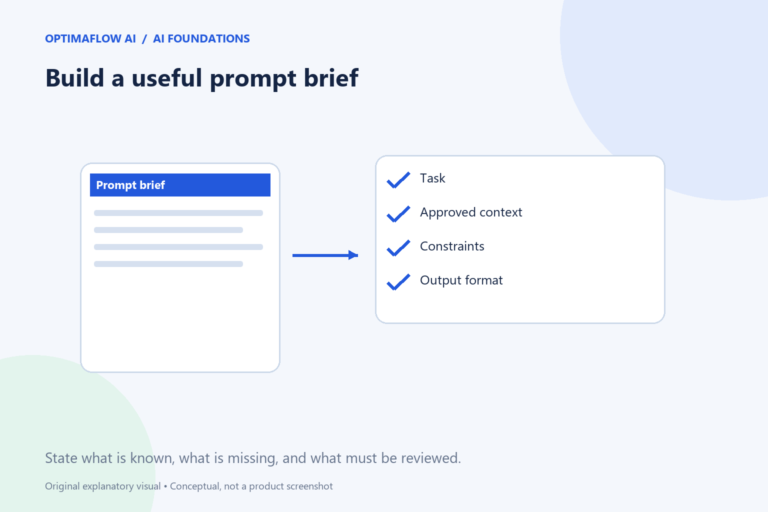
Build a clear prompt using task, context, constraints, and output format. Includes an original example and a free browser-based brief builder.
Read the guide →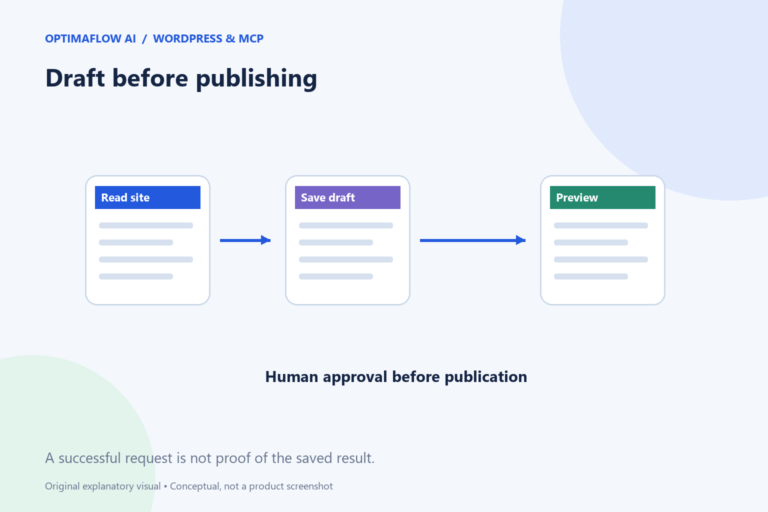
Use a connected WordPress MCP tool to verify the site, read the target content, create a draft, and review it before publishing.
Read the guide →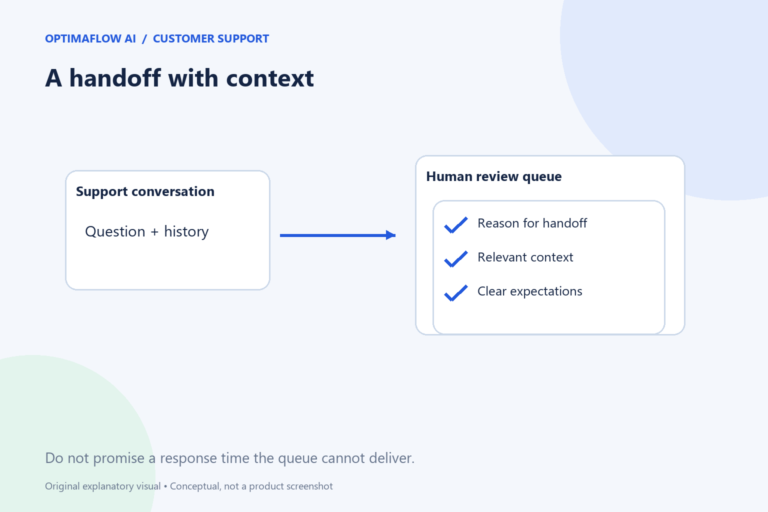
Define escalation triggers, transfer useful context, and set honest expectations when an AI chatbot needs help from a human support agent.
Read the guide →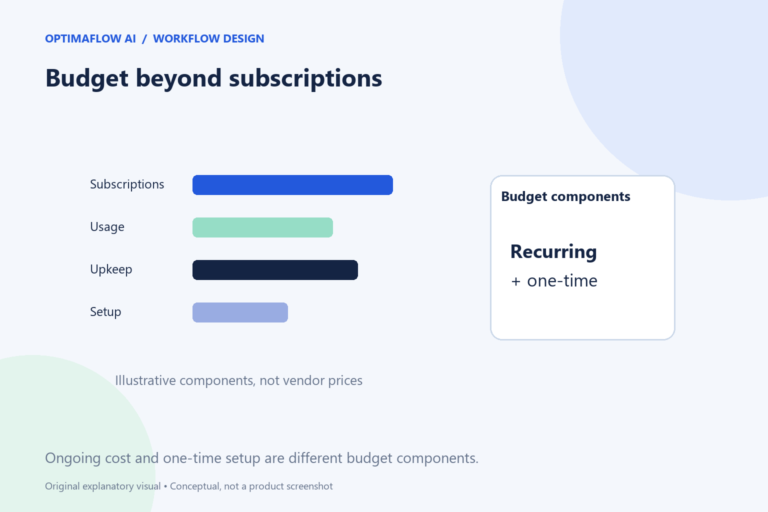
Estimate subscriptions, usage, maintenance, and setup costs for an automation workflow. Includes a transparent calculator and a fictional worked example.
Read the guide →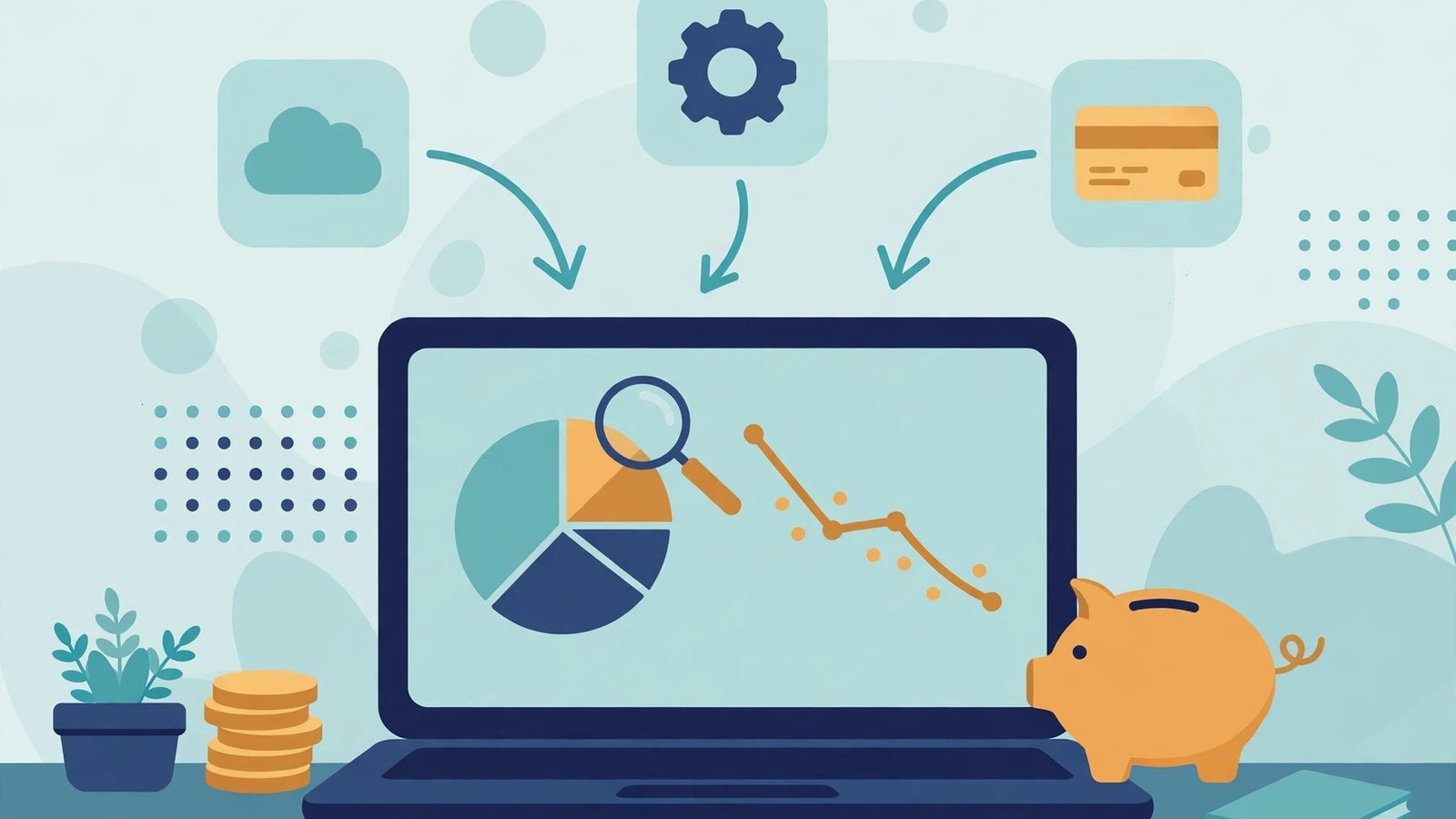
When every dollar has to earn its keep, the question isn’t which automation tool to buy — it’s which workflow to automate first. Here’s the prioritisation framework that keeps a small team’s budget honest.
Read the guide →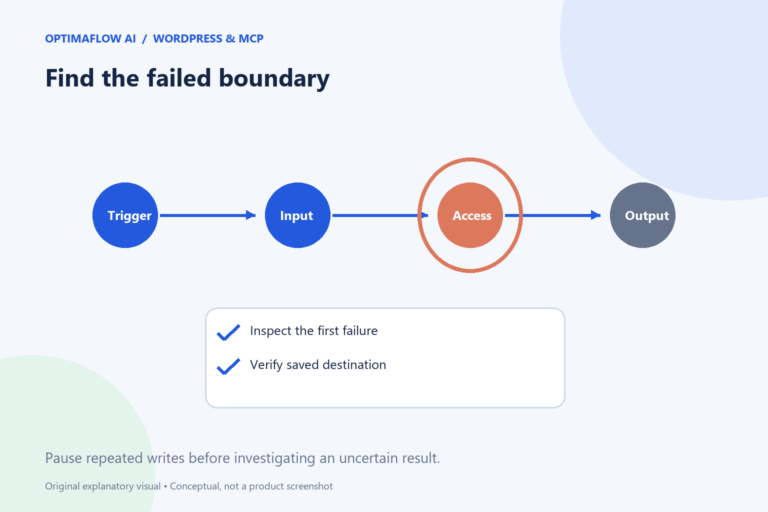
Trace a failed automation from trigger to saved output. Check credentials, input shape, limits, duplicates, and alerts before retrying a live action.
Read the guide →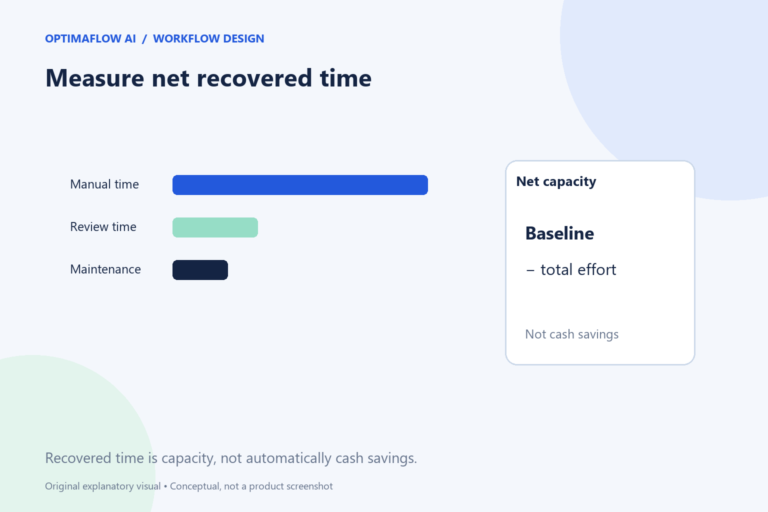
Measure handling time, review effort, failures, and quality before claiming an automation saves time. Includes an original worked example and scorecard.
Read the guide →
Most teams can tell you how many times an automation ran — almost none can tell you what it saved. Here is the analytics stack that proves the money, with a worked example.
Read the guide →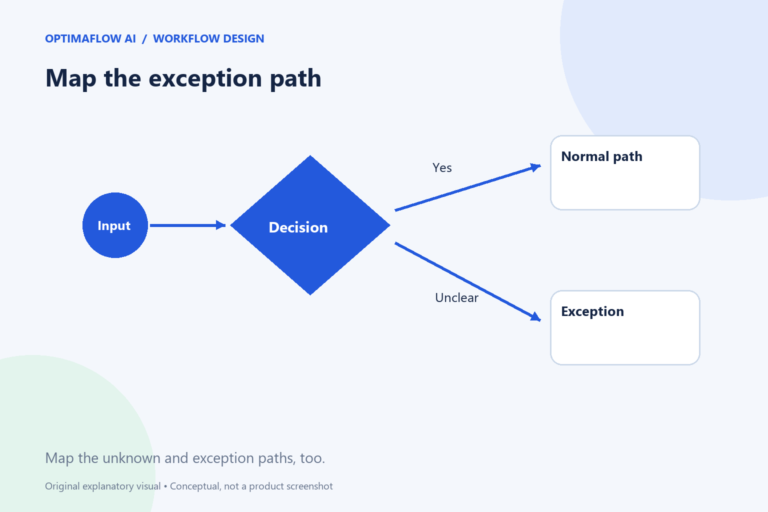
Map inputs, decisions, ownership, and exceptions before automating a business process. Includes a practical enquiry example.
Read the guide →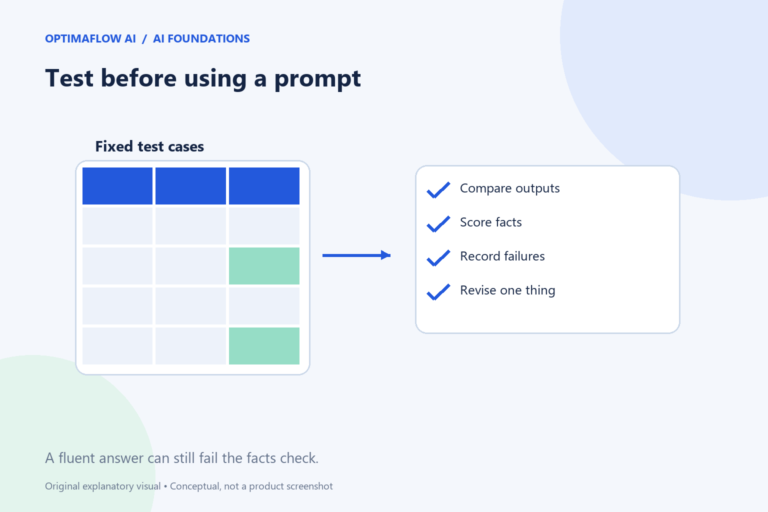
Create a small prompt test set, compare outputs, and record failures before using AI-generated text in a business workflow.
Read the guide →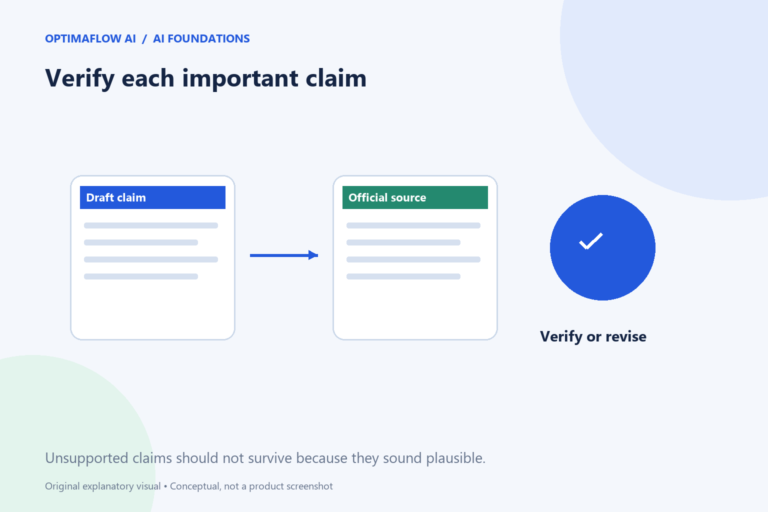
Check claims, sources, examples, and dates in AI-generated drafts before publishing. Use a claim ledger and a focused review pass.
Read the guide →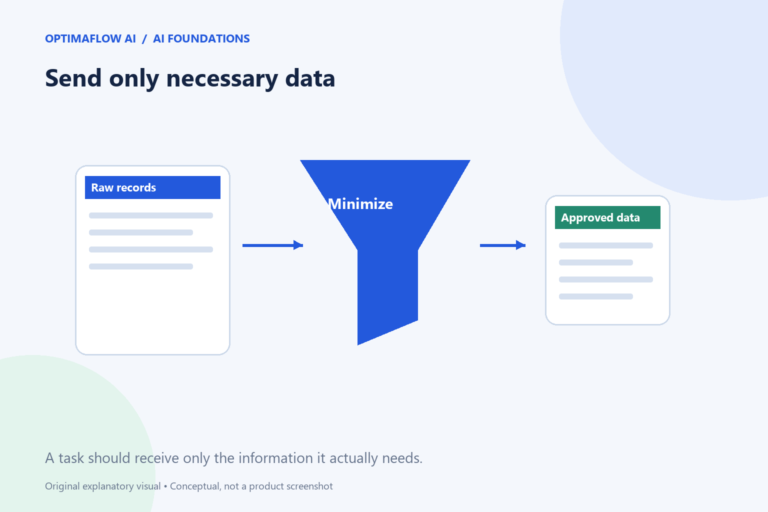
Use data minimization, approved sources, and a simple classification checklist before sending business information to an AI tool.
Read the guide →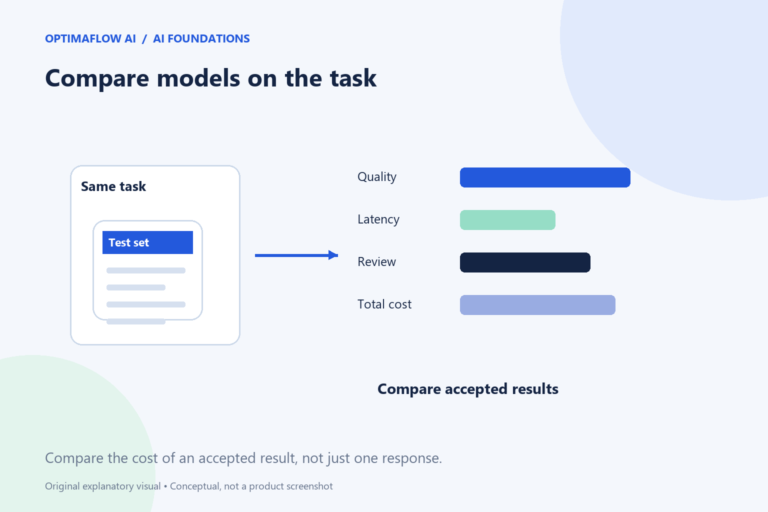
Compare output quality, review effort, latency, and total usage cost for a defined task instead of choosing an AI model by reputation alone.
Read the guide →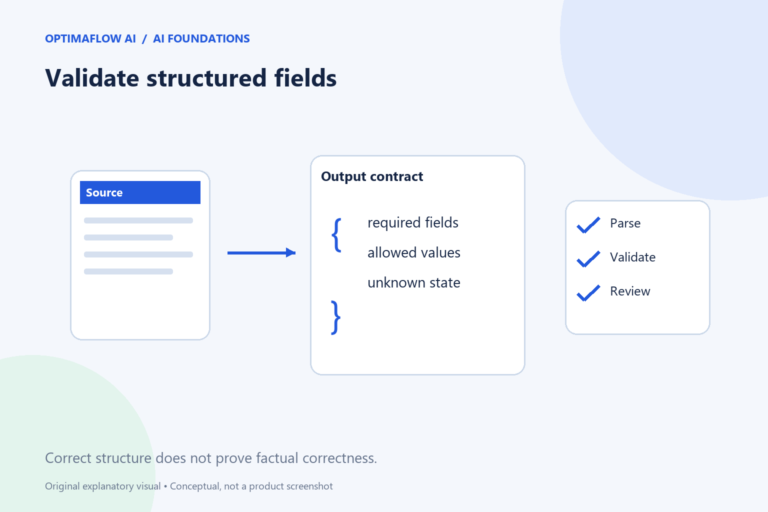
Design required fields, allowed values, unknown states, and validation for AI output before sending it to another system.
Read the guide →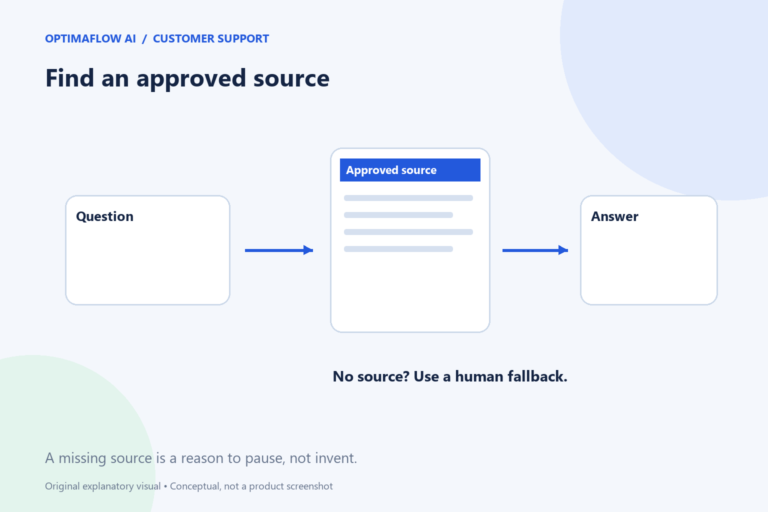
Understand when a support assistant needs approved knowledge retrieval, how to prepare sources, and how to handle missing answers.
Read the guide →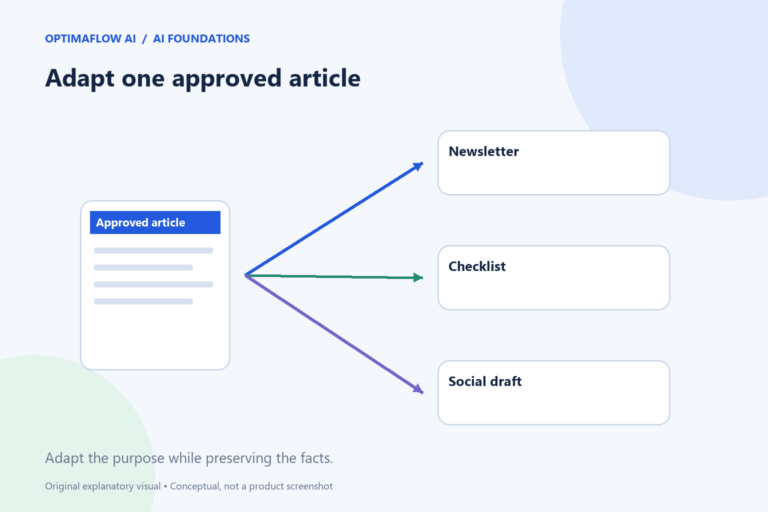
Turn an approved article into a newsletter, social post, and checklist while preserving facts and adapting each piece to its audience.
Read the guide →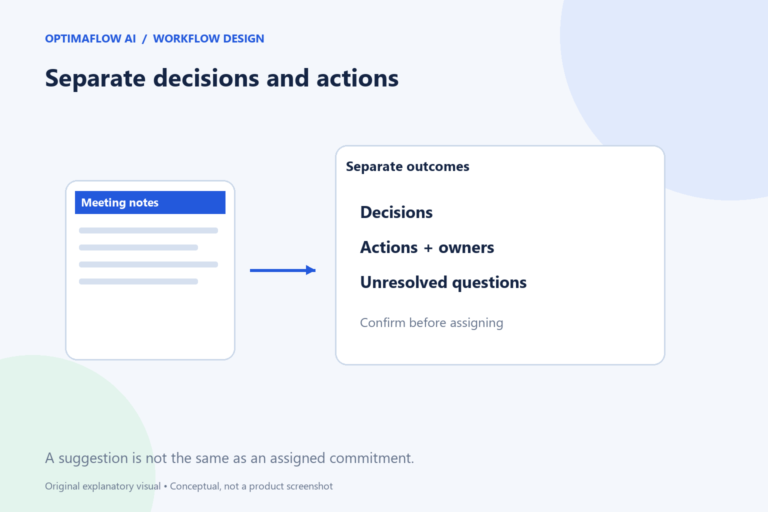
Extract decisions and action items from approved meeting notes without inventing owners, deadlines, or commitments.
Read the guide →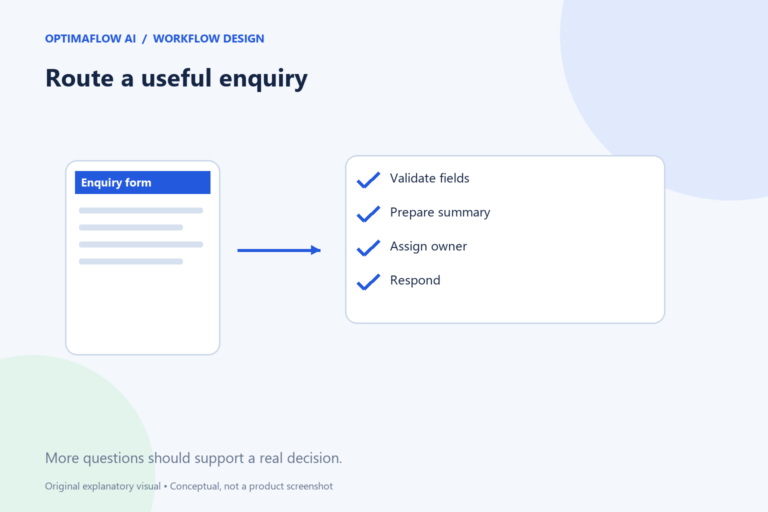
Create a lead intake process with useful fields, validation, clear ownership, and a reviewed response instead of an overcomplicated form.
Read the guide →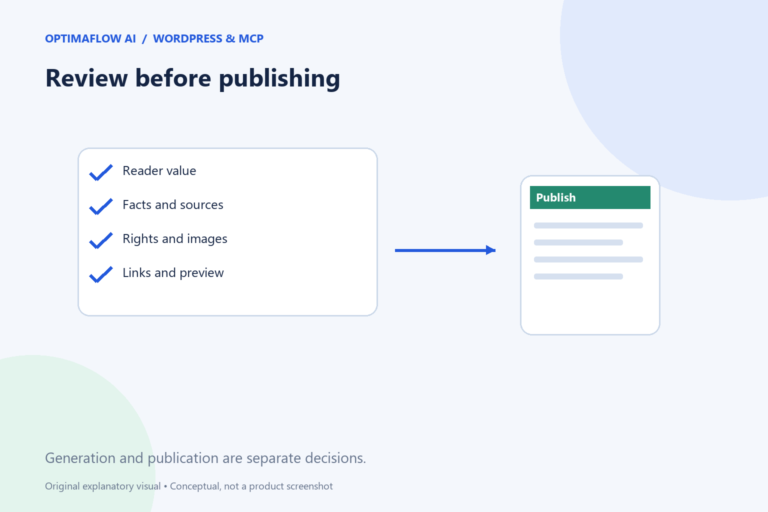
Review purpose, facts, originality, images, links, and page rendering before publishing an AI-assisted WordPress article.
Read the guide →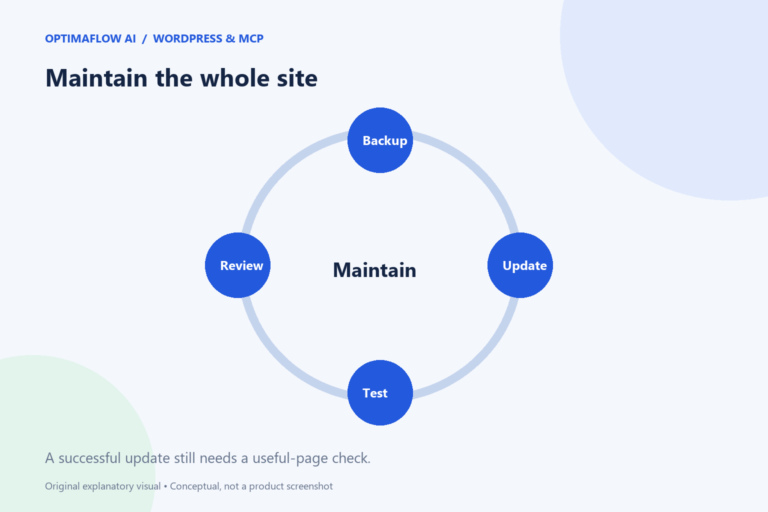
Keep an AI-assisted WordPress site organized with backups, update checks, content review, form tests, and a simple maintenance log.
Read the guide →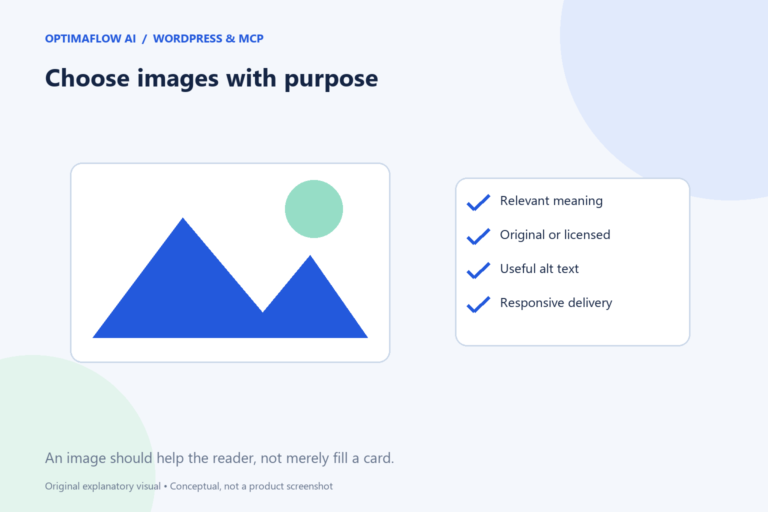
Match each article to a relevant image, distinguish diagrams from screenshots, and write alt text that serves the reader instead of stuffing keywords.
Read the guide →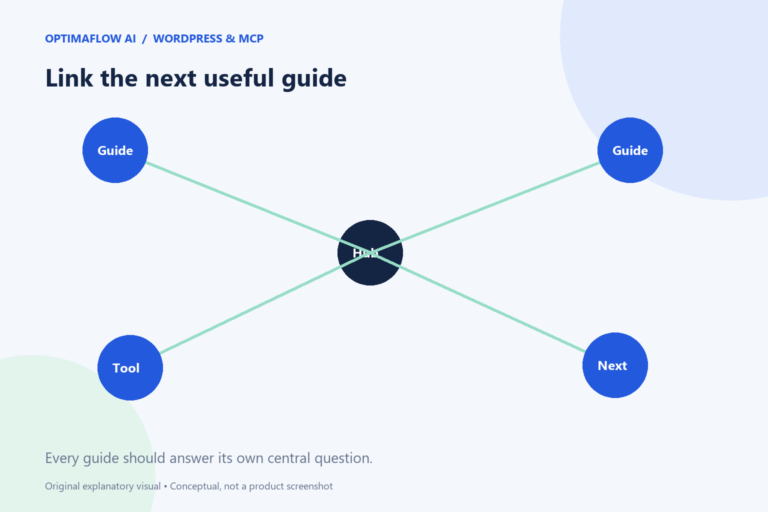
Plan useful internal links between guides, tools, and topic hubs with descriptive anchors and clear next steps.
Read the guide →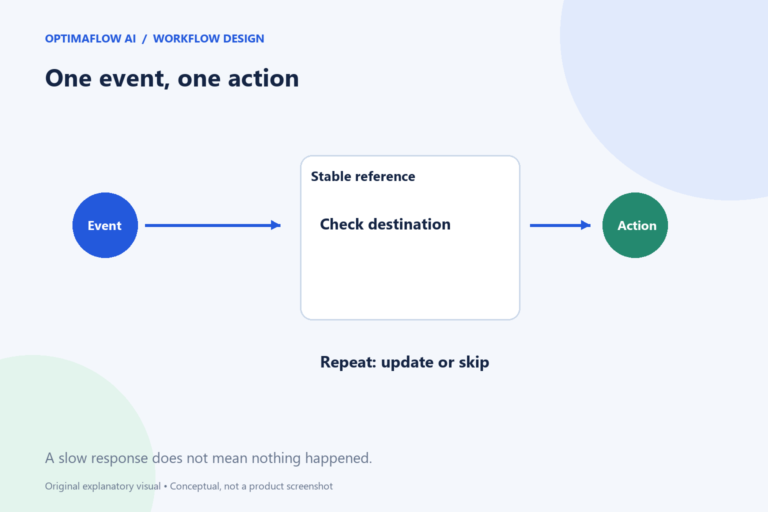
Use stable identifiers, destination checks, and a documented repeat policy to avoid duplicate tasks, posts, or records when a workflow runs twice.
Read the guide →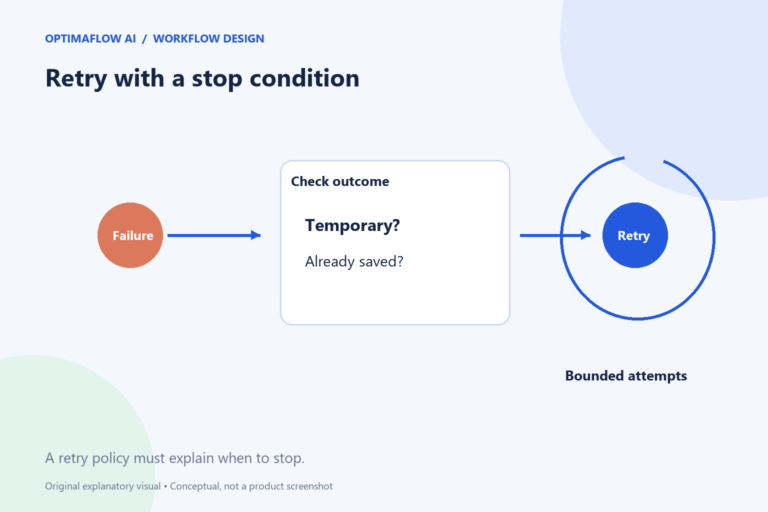
Distinguish temporary failures from invalid inputs, check uncertain outcomes, and set bounded retries with a human recovery route.
Read the guide →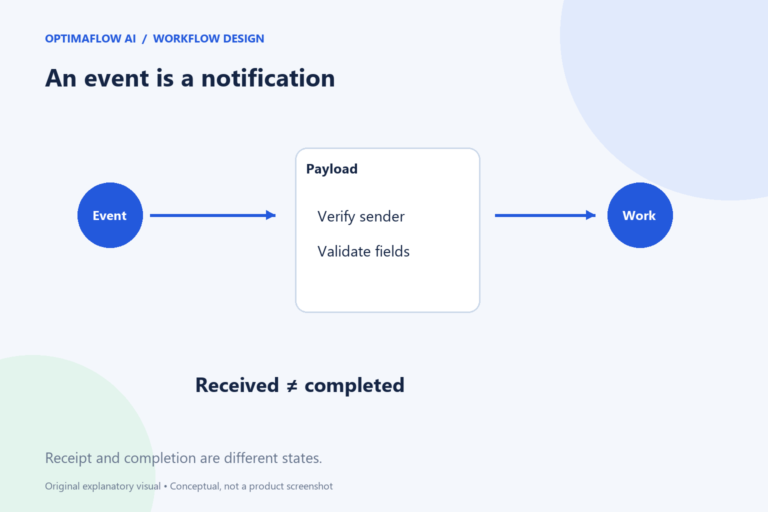
Understand webhooks as event notifications, including payloads, verification, duplicate delivery, and destination checks.
Read the guide →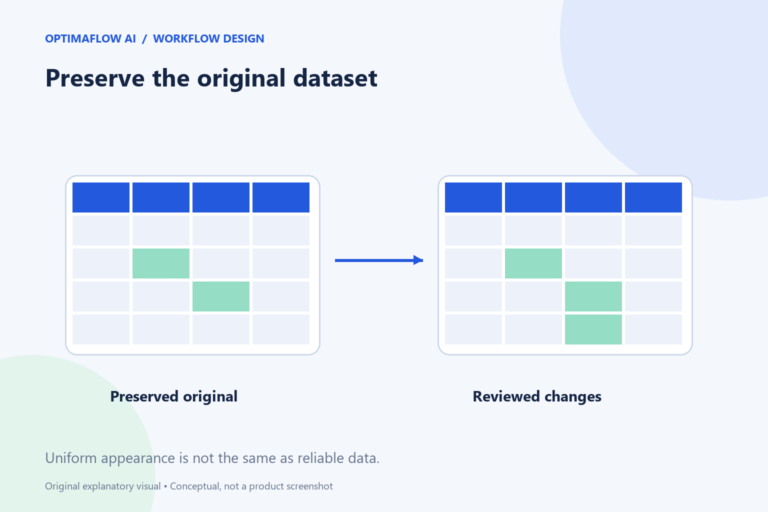
Separate deterministic cleanup from AI suggestions, preserve original values, and review ambiguous spreadsheet changes before applying them.
Read the guide →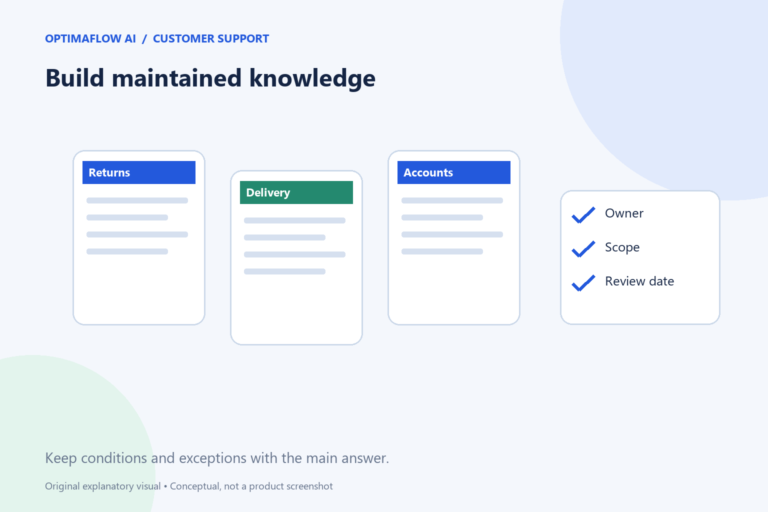
Organize approved support answers with ownership, scope, exceptions, and review dates before connecting an AI assistant.
Read the guide →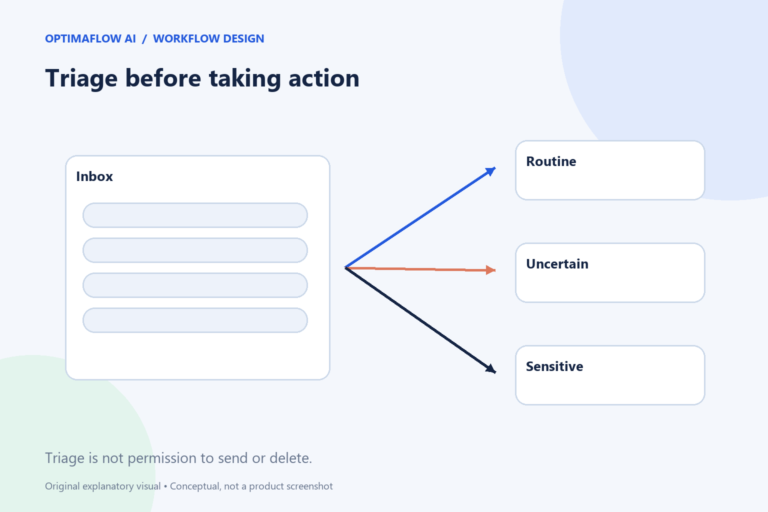
Sort email by explicit purpose, preserve the original message, and route uncertain or sensitive cases to a reviewer before taking action.
Read the guide →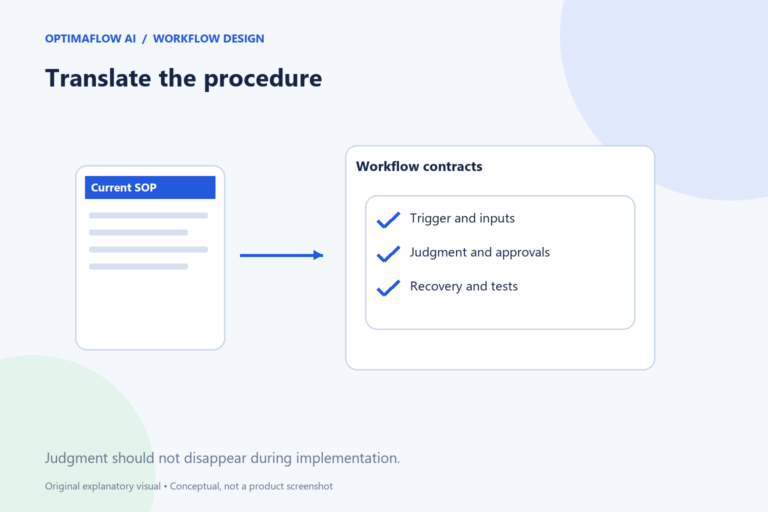
Translate an SOP into triggers, inputs, rules, approvals, and recovery steps while preserving the judgment the procedure requires.
Read the guide →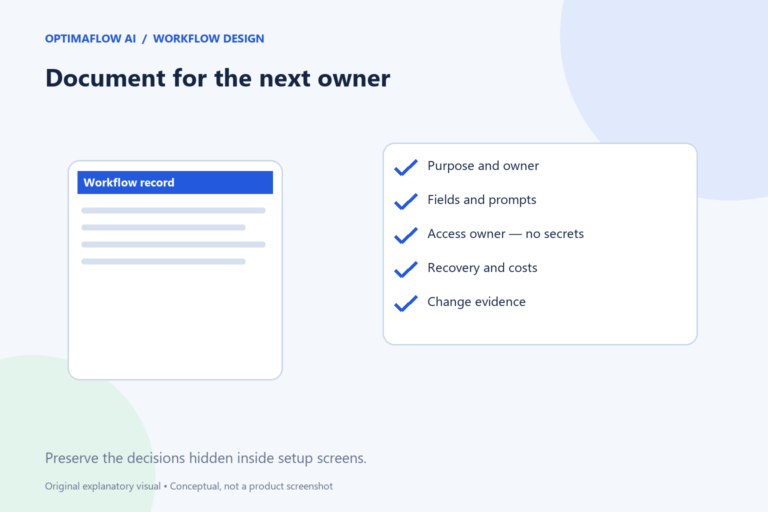
Create a concise workflow record covering purpose, permissions, fields, prompts, costs, failure handling, and change history.
Read the guide →
A tested workflow for automating invoice approval with AI — extraction, routing rules, human sign-off, and an audit trail that actually satisfies finance.
Read the guide →
ChatGPT and Claude both claim to analyze your spreadsheets, but only one of them flagged a planted typo in my test data without being asked.
Read the guide →
Build a no-code AI customer support chatbot that answers from your own help docs: pick a retrieval-based platform, write a tight knowledge base, and design the human-escalation path before launch.
Read the guide →No guides match. Try another term or choose All guides.