How to Link a Guide Library Without Overloading the Reader
Plan useful internal links between guides, tools, and topic hubs with descriptive anchors and clear next steps.
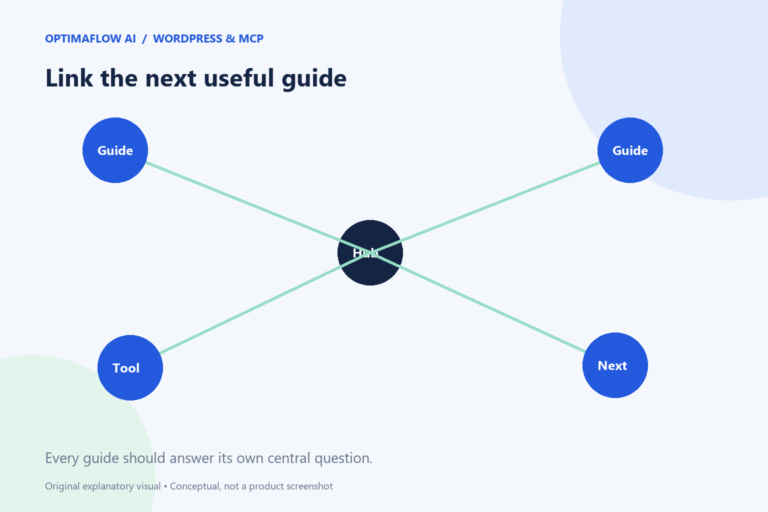
Internal links should help someone move from the question they are reading to the next useful step. A small guide library benefits from clear hubs and relevant connections. Adding links to every paragraph can make the page harder to use, so plan the reader journey before counting links.
Give each page a clear role
Separate introductory guides, task-specific articles, tools, and supporting policies. An introductory workflow guide can point to choosing a pilot. A cost guide can point to a calculator. A privacy page belongs in a predictable footer rather than being inserted randomly into an explanation.
Write the next likely question for each article. Someone learning the basics may ask what to automate first; someone troubleshooting may need a safe retry plan. Those questions are a better basis for links than a list of repeated keywords.
Build a visible directory
Use a guide hub with clear titles, topics, and short summaries. Ensure that every published guide appears there or in an appropriate topic hub. A page reachable only through a guessed URL is difficult for readers and crawlers to discover.
For a curated directory, include updating the collection in the publishing checklist. A sitemap complements navigation but does not replace it. Readers should not need an XML file to find useful material.
Use anchors that explain the destination
“Estimate review time with the automation calculator” is more helpful than “click here.” The link text should make sense in its sentence and accurately describe the page. Avoid cramming multiple near-identical phrases into the same anchor.
Do not link a broad claim to a page that does not support it. A source link and a next-step link have different purposes; both should be clear. Put the link near the part of the explanation where it helps the reader make progress.
Choose a few meaningful connections
Link to prerequisites where necessary, relevant tools at the action point, and a small set of follow-up guides near the end. A long unrelated list can distract from the article’s main task. There is no universal ideal link count.
Check for circular journeys. If three articles continually promise the answer on another page, none may provide a complete response. Each guide should answer its own central question before offering deeper reading.
Audit after changes
When a page moves, verify its incoming links and use an appropriate redirect if needed. Open representative links in the saved pages, including footer policies and tool destinations. Descriptive text does not help if the link returns a missing page.
Google’s link guidance covers crawlable links and useful anchor text. Use our approval checklist to make directory and link checks part of every publication.
Example: connect a planning journey
An introductory article links to choosing a pilot. The pilot guide links to the cost and time tools at the point where assumptions matter. The results article links to documentation and troubleshooting for readers who are maintaining a live process.
This path answers different questions in a sensible order. Each page still contains a complete explanation of its own topic. The links offer a next step rather than postponing the answer indefinitely. Check the journey from the perspective of a first-time visitor.
A directory maintenance mistake
Do not rely on publication alone when your directory is curated. Add the new guide’s card and topic placement, then verify that its title and summary accurately describe the destination.
Frequently asked questions
Do more internal links guarantee higher rankings?
No. Useful navigation and relevant connections help discovery, but rankings depend on many factors and Google makes the decision.
Should policies link to every article?
Usually they need clear access from common navigation or the footer. Keep their links focused on the information readers expect there.