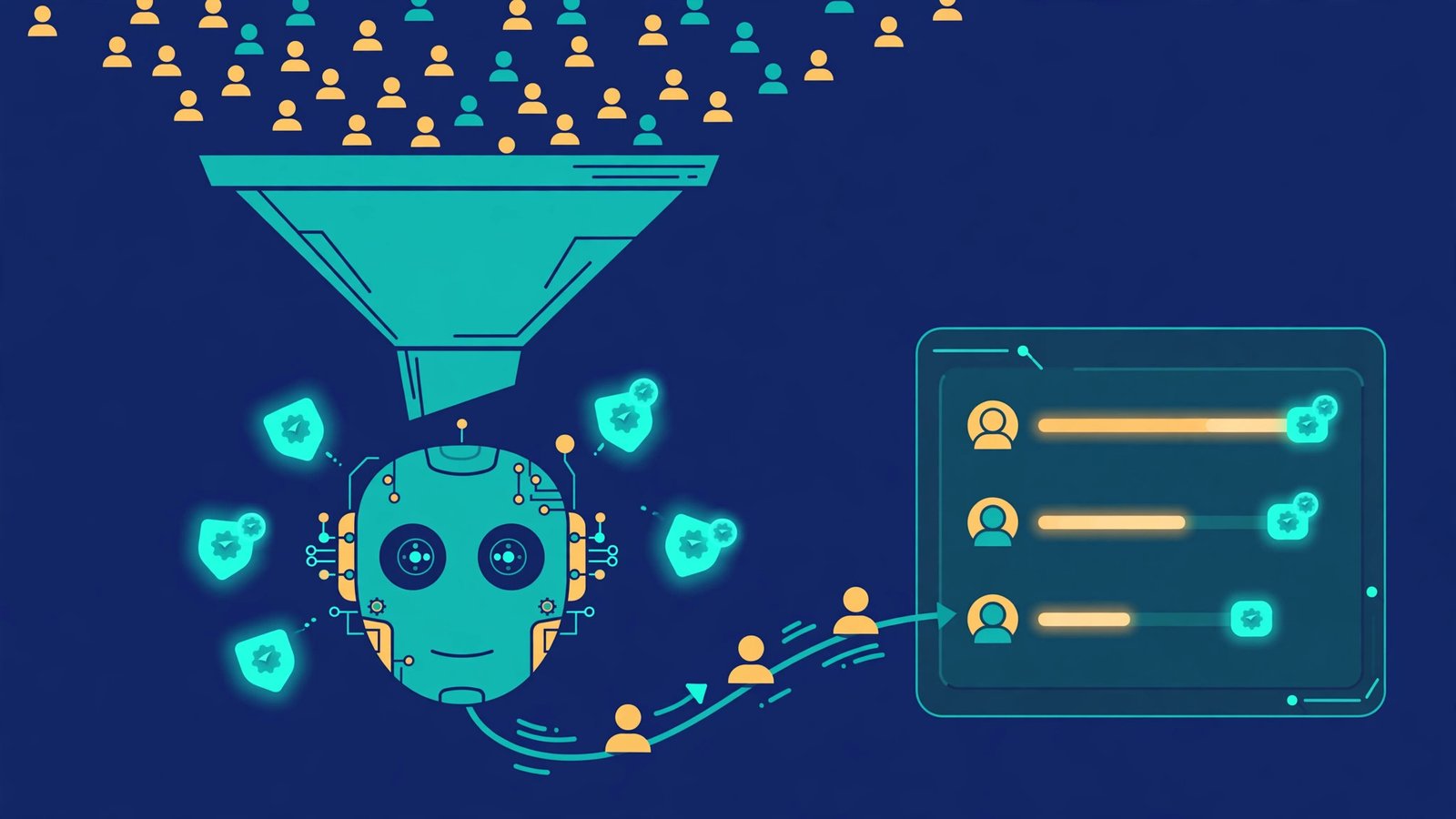
To use AI for lead qualification, write down what a qualified lead is first — service, location, budget range, timeline, decision-maker — then let AI score each inbound lead against that written definition. AI reads free-text forms, chats and call transcripts for intent, enriches the lead with firmographic data, and routes it by score. Start in assist mode: AI suggests the label, a person makes the call, and you compare the two for a few weeks..
I learned this the slow way. A small B2B service business I work with was drowning in form fills: about forty leads a week, and the sales inbox treated every one the same. The team called the newest first, so the hottest lead of the week sometimes waited three days while a student doing a class project got a same-day callback. I ran a test: I took 60 of their past leads, scored them against a simple rubric built from their won and lost deals, and had an AI apply the same rubric blind. The AI agreed with the human scores on 52 of the 60 — and did in seconds what took an afternoon by hand. This guide is that rubric, the setup, and the handoff that makes it work.
What does AI lead qualification actually do — and what doesn’t it do?
AI lead qualification is sorting, not selling: the AI reads the signals, scores the lead, and routes it — a human still makes the call. When a lead arrives, the AI weighs two kinds of evidence. The first is fit: does this company look like the companies that buy from you — the right industry, size, role, and place? The second is intent: is this person behaving like a buyer — visiting the pricing page, requesting a demo, writing a detailed form answer instead of “hi, info please”?
From those signals it produces a score and a short explanation, then routes the lead: hot leads go straight to sales, warm leads into nurture, poor fits to an automated reply. What it cannot do matters too. It cannot tell you whether a lead has budget — only the lead can, in a conversation — and it is only as honest as the signals you feed it: if your form asks two questions, the AI has two facts to work with. Treat it as a tireless first reader of every lead, not as a closer.
How do you build a scoring rubric the AI can actually use?
A scoring rubric has two buckets — fit, worth up to 50 points, and intent, worth up to 50 points — and a lead needs 70 or more before sales should ever see it. The rubric is the whole system; the AI is just the clerk applying it. Write it in plain language, in a document the AI can read, and base every point value on your own history, not on a template you downloaded.
Start with fit. Look at your last twenty won deals and note what they had in common: industry, company size, the seniority of the person who first contacted you. Give each signal points that add up to 50. In my test business the fit half was: right industry, 15 points; company size in the 10–200 employee range, 15 points; decision-maker role (owner, director, head of), 10 points; a budget signal such as a company email domain and a named project, 10 points.
Then intent, also out of 50: requested a demo or a call, 20 points; visited the pricing page, 15 points; opened three or more of your emails, 5 points; wrote a specific form answer describing their problem, 10 points. Add negative signals, because they stop the junk: a free email domain, minus 10; a student or job seeker, minus 20; a competitor’s domain, minus 25. Under 40 is not a lead — it gets a polite automated reply. From 40 to 69, it goes into nurture until its behaviour changes the score. The test that proves your rubric works is a backtest: score 30 old leads by hand and check whether the winners cluster above 70 and the losers below 40. If they do not, your points are wrong — fix the rubric, not the AI.
How do you set up the AI lead-scoring workflow, step by step?
Setup takes an afternoon, and most of it is not technical. First, collect 30 to 50 labelled past leads — won, lost, and junk — with the signals you had when they arrived. With fewer than 30, start with a hand-written rubric; the AI can apply rules from day one, it just cannot learn them from too little data.
Second, list the signals you actually have: company size from the form, pages visited from your analytics, email engagement from your mail tool. Do not build a rubric around data you cannot collect reliably. Third, write the rubric as plain-language rules in a shared document, so a human and an AI read the same thing.
Fourth, wire it up. HubSpot’s native lead scoring can run a points rubric with no AI at all, and that is often enough. To have the AI read free-text form answers and judge intent, add an automation step: Zapier or Make can send each new lead to an AI step with your rubric as the prompt, and write the score and reasons back into the CRM; Clay and Apollo do the same in one place. Fifth, score on arrival, in real time. Sixth, route by threshold — 70 and above to sales, 40 to 69 to nurture, below 40 to the automated reply. Run it on a spreadsheet for two weeks before paying for a tool; if the rubric is wrong, you want to discover that for free.
How do you hand qualified leads to sales without losing the context?
The handoff that works is a package, not a ping: score, top three reasons, behaviour summary, and a suggested next step, sitting in the CRM record before sales opens it. This is where most lead-scoring projects quietly fail — the AI scores beautifully, the score lands in a field nobody reads, and sales calls the lead cold anyway.
Make the handoff a fixed format. Every qualified lead arrives with four things attached: the numeric score; the three signals that drove it (“visited pricing twice, requested a demo, 50-person company in your target industry”); a one-line behaviour summary; and a suggested first step (“call about the demo request — they asked for Thursday”). That package lets a salesperson make a useful call in the first minute, instead of spending the first five re-qualifying someone the AI already qualified.
Then add two disciplines. First, a response SLA: hot leads get a human reply within one working hour — speed is half the value of scoring, because a hot lead cools fast. Second, a feedback loop: sales marks each handed-off lead good or bad, and once a month you adjust the rubric from those marks. A lead that scored 78 and turned out to be a student tells you the negative signal for students is too weak; a lead that scored 62 and bought tells you the threshold is too high.
How do you test whether your AI lead scoring is actually working?
After 30 days, measure three numbers. First, precision: of the leads scored 70 or above, what percentage became real sales conversations? In my 60-lead test, the AI flagged 14 leads as hot and 11 of them became real conversations — a 79% hit rate that a spreadsheet sort never gave me. Under 50% precision means your threshold is too low or your rubric scores the wrong signals.
Second, coverage: of the leads that became customers, how many scored 70 or above? If real buyers slip through at 55, your rubric is missing a signal — usually a behaviour your tracking does not capture, like a phone call or a referral. Third, time saved: how many hours did sales stop spending on leads under 40? If the answer is near zero, the routing is not being followed, and the fix is process, not software.
Two traps to watch. Score drift: left alone, AI scoring creeps generous, because every edge case gets the benefit of the doubt — recalibrate monthly on a fresh batch of old leads. And never trust the score more than the salesperson: if sales says a 74-point lead is junk, believe them and fix the rubric. The score is a sorting tool. The moment it becomes an argument against a human who actually talked to the lead, it has stopped helping.
The scoring rubric, as a table
| Criterion | Points when the buyer confirms it | Example |
|---|---|---|
| Service fit | 25 | The project is a service you actually offer |
| Budget confirmed | 25 | A budget range is stated, not guessed |
| Timeline | 20 | A decision date or launch date is given |
| Buying authority | 20 | The contact can sign off, or names who can |
| Urgency | 10 | A reason to act now, not “sometime” |
| Maximum | 100 |
Set the cutoff at 80. Worked example: a lead confirms service fit (25), timeline (20) and urgency (10) but no budget and no authority — 55 points, below the cutoff, so it goes to nurture with a clarification question. Confirming budget (+25) takes it to 80 and it reaches sales. The numbers are a starting rubric, not a law — tune the weights against your own closed deals after a month.
Score bands and what happens in each
| Score band | Action | Example |
|---|---|---|
| 80 and above | Sales immediately — same-day follow-up | Qualified buyer, budget and date confirmed |
| 50–79 | Nurture + callback | Fit is real but budget or authority is unconfirmed |
| Below 50 | Automated follow-up only | Wrong service, no budget, no timeline — or spam |
Score leads as probabilities, not labels. A 55 is not a “bad lead” — it is a lead whose missing facts you have not collected yet. The routing above is a pilot configuration; move the boundaries once you see which bands actually convert.
Three approaches, one pipeline
| Approach | Input | Output | Best for |
|---|---|---|---|
| AI lead scoring | CRM and behaviour data — pages viewed, emails opened, company details | A score per lead | Ranking large lists for follow-up |
| Chat assistant | After-hours chats and form messages | Intent tags + draft replies | Traffic that arrives when nobody is working |
| Call scoring | Recorded and transcribed phone calls | Tags such as “booking intent” or “price shopping” | Phone-led businesses |
Most teams that do this well combine all three: scoring for forms, a chat assistant for after-hours traffic, and call scoring for phone leads. Qualification and enrichment are one workflow, not two — pull company size, industry and tech-stack data in the same pass, before the lead enters the CRM, so the score is grounded in real company data rather than form answers alone.
The audit habit that keeps it honest
AI will scale whatever definition you gave it — including a bad one. If sales and marketing disagree about what a good lead looks like, AI scales the disagreement. Once a week, read a sample of the leads the AI scored and compare the labels with what actually happened: booked meetings, completed sales. Send outcomes back to the ad platforms so they learn from real conversions. And mind the law: AI voices count as artificial voices under the FCC’s February 2024 ruling, so get consent before any AI-led call. Build the intake around it with our lead-intake workflow and the AI-to-human handoff rules. For the surrounding workflow, see how to design an AI chatbot-to-human handoff, how to build an AI knowledge base for customer support, and how to automate email triage with AI.
Frequently asked questions
Do you need a CRM to use AI for lead qualification?
No — not at the start. Under about 20 leads a week, a form, a spreadsheet, and an AI step that scores each row against your rubric is enough. Once volume grows, a CRM becomes worth it, because the score needs to live where sales works, with the routing and feedback loop attached.
How much past data does the AI need before it can score leads?
Thirty to fifty labelled past leads — won, lost, and junk — is the practical minimum. With fewer than that, start with a hand-written rubric and let the AI apply it; the rubric is doing the thinking, and the AI is just doing it fast, for every lead, the moment it arrives.
Will AI lead scoring replace SDRs?
No. It replaces the sorting, not the conversation. An SDR’s job stops being reading forty form fills on a Monday morning and becomes calling the eight leads that are actually worth calling — with the score and reasons in front of them.
What lead score threshold should you start with?
Seventy out of a hundred for a sales handoff, with 40 to 69 in nurture and under 40 on an automated reply. Review it after 30 days: if fewer than half of your 70-plus leads become real conversations, raise the bar or fix the signals; if real buyers keep landing at 55, lower it — or add the signal you are missing.
How do I pick the right score cutoff for my team?
Start at 80 out of 100 and tune it. If sales complains about junk leads, raise it; if good leads sit in nurture too long, lower it. The right threshold is the one where the band above it actually converts.
Can AI qualify leads from phone calls?
Yes — record and transcribe the call, then score the transcript for intent signals such as service inquiries or bookings. Google Ads also offers AI-qualified call leads when call recording is on. Always get consent for recording first.
What lead details should I feed the AI before scoring?
At minimum: name, email, company, role, and one free-text field describing the problem — the free text is the most useful input. Add enrichment (company size, industry, tech stack) in the same pass, and a written ideal-customer definition as the system prompt.
How do I stop AI from sending bad leads to sales?
Start in assist mode: AI suggests the label, a person makes the call. Audit a weekly sample against real outcomes, and only let the AI route automatically once its labels match human judgment for a few weeks running.
Was this guide helpful?
Tell us what needs improving →
Your selection stays on this page. To send feedback to the publication, use our contact form.
About this publication
From OptimaFlow AI
Practical guides to AI, automation, and better everyday workflows. We use illustrative examples and original diagrams, with AI-assisted writing and illustrations.
Read our editorial approach →About OptimaFlow AI