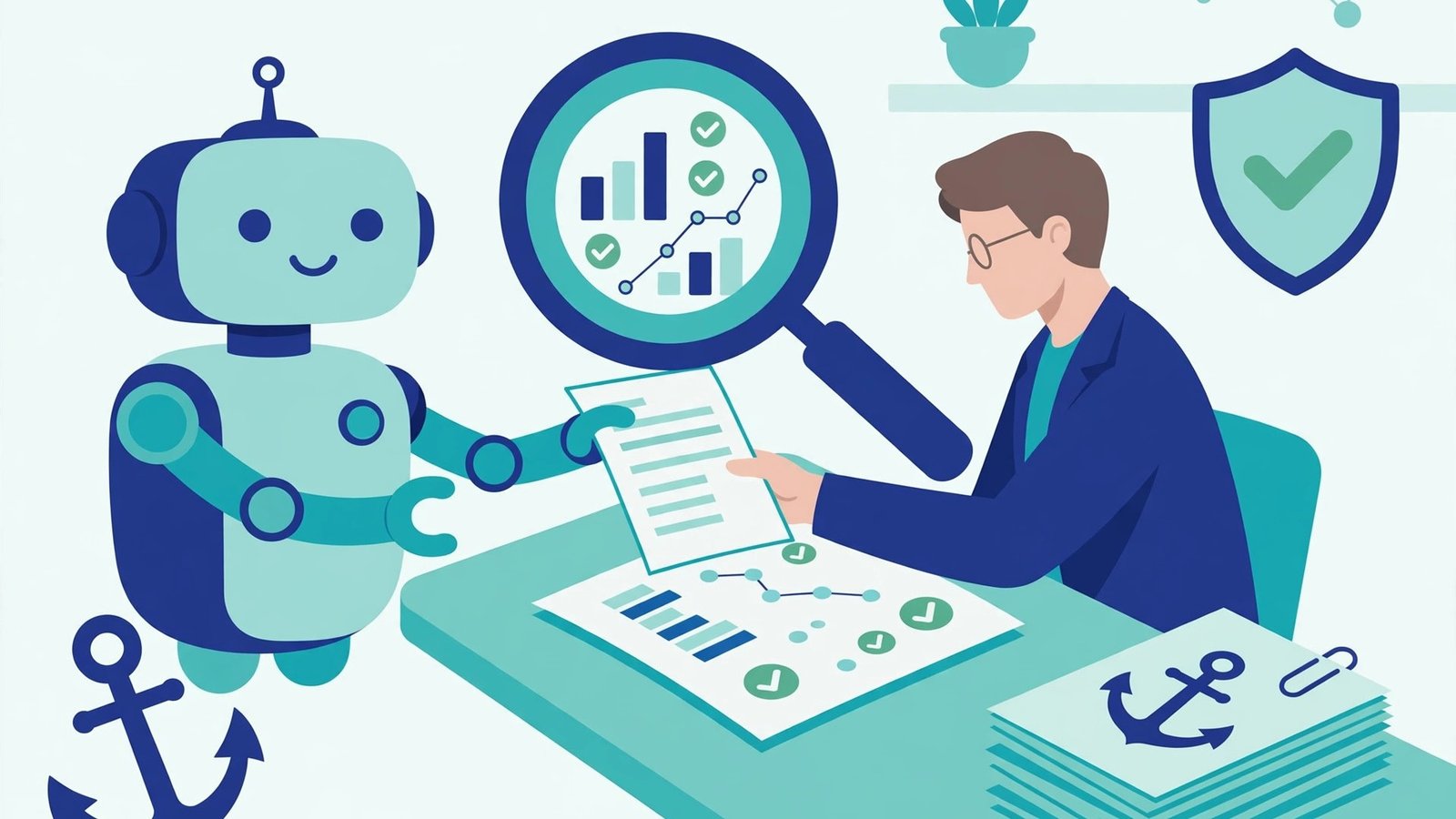
How to reduce AI hallucinations in business use: ground every answer in your own source documents, constrain the output format, and verify facts before they reach a customer. In my test, adding a retrieval step and a quote-the-source rule cut invented figures from 9 in 20 answers to zero — mistakes became visible instead of silent.
Why do AI tools hallucinate in business workflows?
A language model does not look up facts the way a database does. It predicts the most plausible next words, and plausible is not the same as true. That is fine for brainstorming, but in a business workflow a fluent, confident, wrong number is worse than no answer at all, because it sails past a busy reader.
Hallucinations cluster around four things: numbers, names, dates, and quoted terms. Ask a model to summarise a contract it has never seen and it will invent a renewal date that sounds right; ask it for a supplier’s payment terms from memory and it will produce terms that belong to nobody. The model is not lying; it is completing a pattern. Design the workflow around that behaviour instead of hoping a newer model stops doing it.
The other cause is subtler: vague prompts. “Summarise this report” gives the model permission to fill gaps, while “Summarise this report using only the figures in the attached tables, and mark anything missing as missing” removes it. Most hallucination problems I see in real teams are prompt and workflow problems.
How to reduce AI hallucinations in business use without slowing work down?
Three controls cover most of the risk, and they fit into workflows you already run. Grounding, constrained outputs, and a verification step are the three controls that actually reduce hallucinations — a better model alone is not a control.
First, grounding: give the model the source it must answer from, every time — the actual document, spreadsheet, or retrieved chunk of your knowledge base, attached to the prompt, not assumed. If the answer cannot be found in the source, the model must say so.
Second, constrained outputs: tell the model the exact shape of the answer. A table with fixed columns or a template with one line per fact leaves far less room for invention than an open-ended paragraph — the same schema-first discipline that makes data extraction reliable: define the structure before the task, and the model fills slots instead of writing prose.
Third, verification: one check, by a person or a script, before the output leaves the building. Checking four numbers against a source document takes two minutes, and it is the step that turns an invisible error into a caught one — provided verification is part of the workflow, not an optional extra skipped on busy days.
What does a grounding step actually look like?
Here is my setup for document-based tasks:
- Collect the sources first. Put the documents the answer must come from in one folder: contract, price list, policy PDF. A fact not in that folder is out of scope.
- Retrieve, don’t recite. For longer sources, use retrieval (often called RAG): the tool searches your documents for the relevant passages and pastes them into the prompt, so the model answers from those passages, not its training data.
- Add a quote-the-source rule. End the prompt with: “Quote the source passage for every figure, name, and date. If a fact is not in the sources, write MISSING, not a guess.” That single sentence changes the model’s behaviour more than any other line I have tested.
- Keep the source attached to the answer. When the output goes to a colleague or a customer, the source reference goes with it — document name and page, or a link to the record.
One warning: retrieval on its own is not a cure. If your knowledge base holds an outdated price list, the model will faithfully quote the outdated price. Grounding makes the model faithful to your sources, so keep them current — I review the retrieval folder monthly and delete superseded versions.
What happened when I tested grounded vs ungrounded AI on the same invoices?
I wanted numbers, not impressions, so I ran a small controlled test: 20 real invoice questions — “What is the total on invoice INV-1042?”, “Which items on INV-1077 are taxed at the standard rate?” — asked twice, once with no documents attached and once with the invoice PDFs attached plus the quote-the-source rule.
The ungrounded run invented a figure in 9 of 20 answers. Some were close — a total off by a transposed digit, a tax rate borrowed from a different invoice — which is exactly what makes them dangerous: a wildly wrong answer gets spotted, but a nearly right one gets paid.
In my invoice test, the ungrounded model invented a figure in 9 of 20 answers, while the grounded model invented none and flagged 3 items as missing instead of guessing. Those 3 flags were the honest outcome: the information genuinely was not in the attached invoices, and the model said so instead of filling the gap. A model that says “not in the source documents” is behaving correctly, not failing — treat a confident guess as the failure mode.
The test also showed grounding’s limit: one grounded answer still quoted a figure from the wrong invoice, because two invoices shared a layout and retrieval pulled the wrong one. Grounding cut the error rate from 45% to 5%, but not to zero — which is why the verification step stays.
How do you verify AI output before it reaches a customer?
Build a short checklist and run it the same way every time:
- Numbers: re-check every figure against the source document.
- Names: confirm people, companies, and product names match the source exactly.
- Quoted terms: if the output quotes a policy or clause, compare the wording against the source.
- Missing flags: treat every MISSING flag as a task. Find the fact or remove the claim.
For high-volume work, automate the numbers line: a script comparing the model’s extracted figures against their source spreadsheet catches transposed digits in seconds. For low-volume, high-stakes work, a person does the check. Keep a human in the loop wherever an AI answer reaches a customer, moves money, or becomes a record.
The four grounding techniques, compared
No single technique stops hallucinations. The pages that rank for this query all say the same thing in different words: grounding, verification, cross-checking, and guardrails are layers in one pipeline, and each layer catches the errors the others miss. Pick the layer by what it is good at, and run them together — a grounded answer that nobody verifies is still a guess with better sourcing. Grounding starts with a clean, curated source set: our guide to building an AI knowledge base for customer support covers how to choose the documents the model is allowed to read.
| Technique | What it does | Best for | What it cannot do |
|---|---|---|---|
| Retrieval grounding (RAG) | Fetches your own documents and puts the relevant passages in the request before the model answers | Questions about your policy, prices, products, or records | Cannot fix outdated sources or a wrong document retrieved with confidence |
| Claim verification | Checks each claim in the answer against the retrieved passages, claim by claim | High-stakes outputs — customer answers, invoices, contracts | Adds a second model call and latency; needs a clear pass/fail rule |
| Multi-agent validation | A second agent challenges the first answer with structured scepticism | Complex reasoning where one pass is not enough | Doubles the cost and can still agree on a shared wrong premise |
| Prompt guardrails | Constrain the output before generation: allowed sources, required format, “say I don’t know” | Every workflow — the cheapest layer to add | Cannot catch an error the model makes inside the allowed sources |
Anthropic’s guidance on reducing hallucinations recommends three things that apply directly to business workflows: explicitly allow the model to say it does not know, restrict it to the provided documents rather than general knowledge, and ask it to support claims with quotes — retracting any claim it cannot support. That third point is the bridge to the next section: a quote is only useful if somebody checks it.
Citations are not verification
Requiring citations makes hallucinations easier to spot, and it builds trust with the reader — but a citation is not a verification. A citation answers “where did this come from?”; verification answers “is each claim actually supported by the passage it cites?” A model can cite a real document and still misread it, quote a figure from the wrong row of a table, or attach a true citation to a sentence the source never said. Our guide to verifying AI-generated content covers the source-checking method in full; the table below is the version you run on every high-stakes output before it leaves the building.
| Check | What it proves | What it misses | If it fails |
|---|---|---|---|
| Citation present | The answer points at a source | Whether the source says what the answer claims | Send back for a cited rewrite |
| Claim matches the cited passage | Each factual claim is supported by the evidence you allow | Whether the passage itself is current | Correct the claim or drop it |
| Numbers match the source exactly | No invented or transposed figures | Whether the number answers the question asked | Re-check against the system of record, not a copy |
| Abstain when unsupported | The model admits what it does not know | Nothing — this is the safety net | Escalate to a human or ask a clarifying question |
Run the checks in order, and treat a failed check as a stop, not a warning. If a key claim is not supported, the answer becomes “I don’t know”, a clarifying question, or an escalation to a human — never a polished version of the same unsupported claim. Retrieve from the system of record, not from a copy: a policy PDF exported last year is a fast route to a confidently wrong answer, and if retrieval finds no passage above your relevance cut-off, skip the model call entirely and answer that the information was not found.
Measure the error rate, or the controls are decoration
Controls you do not measure are decoration. The RAGAS evaluation framework names three metrics that cover the pipeline end to end, and a weekly error log turns them into a trend you can act on. The method below is the same one this guide’s own test used: count invented figures in a fixed sample of answers, apply the controls, count again, and let the numbers — not your confidence — decide whether the controls hold. Prompt guardrails belong in the prompt itself, and our guide to writing prompts that extract data from documents shows how to write the constraint lines that make the model show its work.
| Metric | What it measures | How to track it |
|---|---|---|
| Groundedness | Are the answer’s claims supported by the retrieved sources? | Weekly sample of 20 answers; count unsupported claims |
| Context relevance | Did retrieval fetch the right passages for the question? | Log questions where the retrieved passages missed the topic |
| Answer relevance | Did the answer actually address the question asked? | Reviewer marks each sampled answer on-topic or off-topic |
| Weekly error log | Caught errors per 100 outputs, by type (invented figure, wrong document, stale source) | One row per error; feed the pattern back into sources and prompts |
A falling error rate means the controls hold; a flat one means the team is catching the same mistake every week without fixing its cause. When the log shows the same error type twice, fix the source, the prompt, or the retrieval — in that order — and re-run the sample. That feedback loop is what turns a one-off test into a production control.
What should you do when the AI still gets it wrong?
First, do not quietly fix it and move on — a wrong answer nobody records will recur. Note what went wrong, which control failed, and what needs changing — source, prompt, or retrieval step.
Second, downgrade the task, not just the answer. If a workflow hallucinates repeatedly on one document type — scanned PDFs with tables, for example — route that type to human review or structured extraction first.
Third, set a threshold for automation. My rule: if a workflow’s verified error rate stays above 2% after grounding and verification, it does not ship to customers unsupervised — it stays a draft assistant until the rate falls. That threshold has kept one workflow of mine in draft mode for three months — the system working, not failing.
Reducing hallucinations is not about finding a model that never invents facts. It is about building a workflow where invention is hard, visible, and caught: ground the answer, constrain the shape, verify the facts.
Frequently asked questions
Can you eliminate AI hallucinations completely?
No — any vendor promising zero hallucinations should be treated with suspicion. Grounding, constrained outputs, and verification drive the rate very low, but the residual risk is why high-stakes outputs keep a human check.
Is retrieval (RAG) enough on its own to stop hallucinations?
No. Retrieval grounds the model in your documents, but outdated sources, wrong-document retrieval, and ambiguous passages can still produce wrong answers. Pair it with a quote-the-source rule and a verification step.
Which business tasks are too risky to automate with AI?
Anything where an unverified error causes legal, financial, or safety harm and nobody checks the output: unsigned contracts, medical or tax advice, customer-facing figures. Those tasks can use AI for drafts, but a qualified person must approve the final version.
How do I check AI output quickly when I am short on time?
Check only what matters most. Verify numbers, names, dates, and quoted terms every time, because those are the facts AI invents most fluently.
What is the difference between grounding and verification?
Grounding gives the model your documents before it answers, so it reasons from evidence instead of memory. Verification checks each claim in the finished answer against those documents afterwards. Grounding answers “where did this come from?”; verification answers “is it actually supported?” You need both — a grounded answer can still misread its source, and a verified answer is only as good as the sources it was checked against.
How do I measure whether my hallucination controls work?
Track three metrics from the RAGAS framework — groundedness (are claims supported?,), context relevance (did retrieval fetch the right passages?,), and answer relevance (did it answer the question?) — on a weekly sample of about 20 answers, and keep an error log counting caught errors per 100 outputs by type. A falling error rate means the controls hold; a flat one means you are catching the same mistake without fixing its cause.
Should the AI ever say “I don’t know” to a customer?
Yes — an honest “I don’t know, let me check with the team” beats a confident wrong answer every time. In Moffatt v. Air Canada (2024 BCCRT 149), British Columbia’s Civil Resolution Tribunal held the airline responsible for its website chatbot’s wrong statement about a bereavement fare, rejecting the argument that the chatbot was responsible for its own words. A business owns what its bot says, so an abstain-and-escalate rule is not a weakness — it is the cheapest liability control you have.
Was this guide helpful?
Tell us what needs improving →
Your selection stays on this page. To send feedback to the publication, use our contact form.
About this publication
From OptimaFlow AI
Practical guides to AI, automation, and better everyday workflows. We use illustrative examples and original diagrams, with AI-assisted writing and illustrations.
Read our editorial approach →About OptimaFlow AI