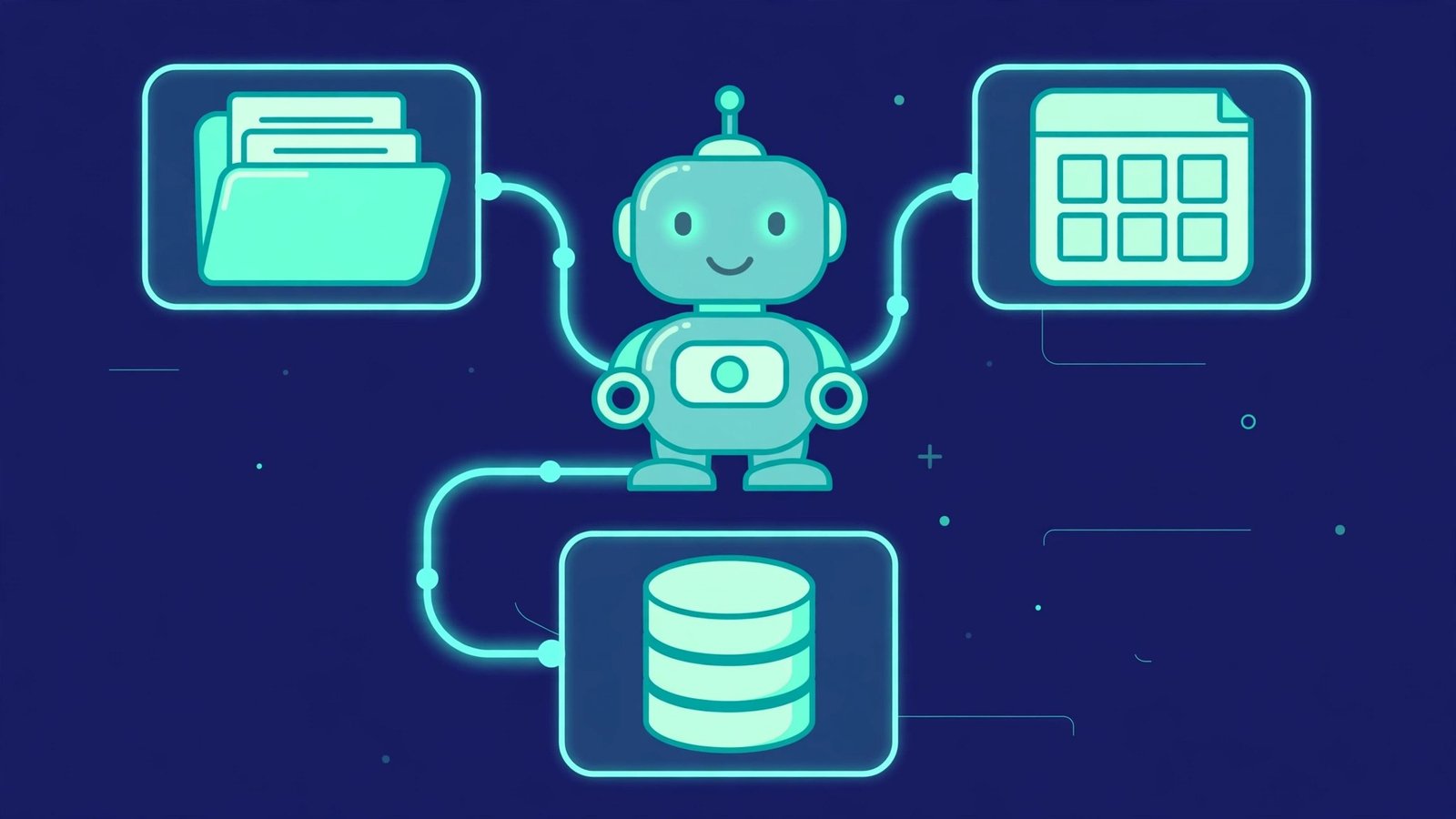
Model Context Protocol (MCP) is an open standard that lets an AI application — Claude, ChatGPT, Cursor, VS Code — use external tools and data through one common interface instead of a custom integration for every app. An MCP server publishes a list of tools, resources and prompt templates; the AI app reads that list and calls what it needs. Anthropic created MCP in November 2024; since December 2025 it has been governed by the Agentic AI Foundation under the Linux Foundation.
I first met MCP the practical way. In the walkthrough where I set up my first MCP server in Claude Desktop, the moment it clicked was not the installation — it was the first question I asked afterwards. Claude could suddenly see a folder of my own files and answer from them, with the file names to prove it. Before MCP, an assistant could only work with what you pasted into the chat. After MCP, it can reach out and look for itself. This guide explains what MCP is, how it works, what it unlocks in a real workflow, and where it still falls short.
What is Model Context Protocol (MCP) in plain English?
Model Context Protocol is a set of rules, published by Anthropic in late 2024, for how an AI application and an external data source talk to each other. The problem it solves is an old one: every app stores its data differently, and every AI tool used to need a custom-built bridge to reach it. A company that wanted its assistant to read its CRM, its file store, and its project tracker had to build three separate integrations and maintain all three.
MCP replaces those one-off bridges with one shared standard. An app or data source that “speaks MCP” exposes its contents in a format any MCP-compatible assistant can understand, so no custom integration is needed for each new source. The analogy everyone reaches for is USB-C: before it, every device needed its own cable; after it, one cable fits everything. MCP is the same idea for AI and your data.
It helps to know the three things MCP can expose. First, resources — the data itself, like files, database rows, or documents. Second, tools — actions the assistant can take, like creating a calendar event or filing a ticket. Third, prompts — reusable instructions, like a standard template for summarising a meeting. When an assistant connects to an MCP server, it is offered some combination of these three, and it can use them as part of answering you.
MCP in one picture: host, client, server
| Role | What it is | Example |
|---|---|---|
| Host | The AI application itself | Claude Desktop, VS Code with Copilot, Cursor |
| Client | The connector inside the host — one client per server | Built into the host app |
| Server | The program that exposes tools and data | A GitHub server, a Postgres server, a file-system server |
Servers expose three primitives: Tools (actions the AI can take), Resources (read-only data the AI can read), and Prompts (reusable templates). The model decides when to call a tool; the server does the work, usually by calling an HTTP API, and returns the result.
If you are new to this, start with our AI workflow basics guide.
How MCP actually works
MCP messages are JSON-RPC 2.0 — the protocol did not invent a new wire format. A client asks for a capability list (tools/list), the server answers with tool names, descriptions and JSON Schema inputs, and the model calls what it needs (tools/call). Two transports are standard: stdio for local servers (the client spawns the server as a subprocess) and Streamable HTTP for remote servers. The specification is versioned by date, not by version number: the current revision is 2026-07-28, which replaced 2025-11-25 and deprecated the older roots, sampling and logging features. If a guide you read still describes the old HTTP+SSE transport, it is out of date.
MCP vs an API vs function calling
| Approach | What it standardises | Who writes the glue | Use it when |
|---|---|---|---|
| MCP | How an AI app discovers and calls tools | Nobody — the server publishes, the client reads | An AI assistant needs many tools from many apps |
| Plain API | How one app talks to one service | You, once per integration | A fixed integration between two known systems |
| Function calling | How one model calls the tools you hand it | You, per model and per tool set | One model, a small known tool set |
What MCP does not do
MCP is a capability-exposure protocol, not an authorisation protocol and not an audit protocol. It does not decide who may call a tool, log what was called, or limit how much a tool may do. Production use needs three layers on top: authentication, sandboxing, and per-tool budgets. A server that can read your files or run commands is powerful precisely because it is dangerous — never connect a server you did not vet to data you would not hand to a stranger. Set one up properly with our walkthrough in How to Set Up MCP Servers in Claude Desktop, and read what data is safe to put into an AI workflow before connecting anything sensitive.
How does MCP actually work? Hosts, clients, and servers
MCP has three parts, and the names sound more technical than the jobs they do. The host is the AI application you are talking to — Claude Desktop, an IDE with an AI assistant, or any app that supports the protocol. The client is the piece inside the host that manages one connection; think of it as the plug on the end of the cable. The server is the small program that sits in front of a data source and translates it into MCP: one server per source, like a filesystem server for your files or a database server for your records.
Here is a request travelling through that chain. You ask Claude to find every invoice over £500 in your documents folder. The host passes the request to the client, which asks the filesystem server for a list of files. Claude reads the contents, does the arithmetic, and answers with the file names — and the server only exposes what it is configured to expose, which is exactly why choosing which servers to trust matters.
Adding a new data source means adding a server, usually a few lines in a configuration file, not a new integration project. That is why MCP has spread so fast: the cost of connecting the next app keeps falling.
What can MCP do in a real workflow? A hands-on test
The honest question is not what MCP is, but what it changes on a normal working day. I tested it with a job I actually do: gathering action items from meeting notes. I keep a folder of about forty meeting-note files, and once a month I need every action item assigned to me, with the meeting it came from. The old way meant opening each file and scanning it by hand — around twenty minutes of dull work, and I always missed one.
With the filesystem MCP server connected, I asked Claude Desktop to find every action item assigned to me across the folder and list each one with its source file. It returned eleven items with file names in under a minute, and I checked each one against the original files: ten were exact, and one was an item assigned to someone with a similar first name — a mistake a tired human would make too, and one a quick glance caught. The work that changed was not the thinking; it was the fetching — a twenty-minute trawl became a one-minute check.
That pattern — the AI doing the fetching, you doing the judging — is where MCP earns its keep in workflows. A support team can connect a tracker server and ask for every task that has slipped this week, with links. The assistant stops being a clever stranger you have to brief from scratch, and starts being a colleague who can open the filing cabinet.
How is MCP different from a plugin or an API?
If MCP sounds like plugins, its plugin system is one assistant and one app, built and maintained by someone. If the assistant changes its plugin system, or the app changes its API, the plugin breaks. MCP is a standard, not a product: any assistant that supports it can talk to any server that supports it, and neither side needs to know about the other.
An API is the lower-level plumbing underneath both. Every MCP server uses APIs, SDKs, or file access to reach its data source — MCP does not replace APIs, it standardises what sits on top of them. The useful comparison is this: an API is a phone line, a plugin is a speed-dial button for one number, and MCP is the agreement that every phone uses the same dialling code. You still need the line, but you no longer need a different button for each call you make.
For a small team choosing between approaches, the rule is simple. If you need one assistant to reach one app and a plugin already exists for it, use the plugin. If you want several tools to reach several data sources without building and maintaining each bridge yourself, MCP is the better bet.
What are MCP’s limits and what should you watch out for?
MCP is young, and its rough edges are real. First, security is your job. A server can only expose what you configure it to expose, but a careless configuration can expose more than you intended — your whole home folder instead of one project folder, for example. Only install servers from sources you trust, and point each one at the narrowest folder or database it needs.
Second, quality varies. Servers are built by different people and companies, and some are better maintained than others. A server that returns messy or incomplete data will make the assistant’s answers messy too. When an MCP answer looks wrong, check the server’s data first, not the model.
Third, MCP does not make the model smarter about your data. It gives the model access, not understanding. An assistant connected to your CRM can read your customer records, but it cannot tell you which customers are about to churn unless you ask it to look for the right signals — and verify what it finds. I caught my test’s one wrong item only because I checked.
Finally, MCP is a standard still being adopted, so support is uneven. Some tools support it fully, some partially, and some not at all — check before you plan a workflow around it. But the direction is clear: as more apps publish servers, the number of things an assistant can reach without custom work keeps growing. Learning the concept now costs an afternoon; the workflows it unlocks repay it many times over.
Frequently asked questions
Is MCP only for Claude?
No. Anthropic created and published MCP, but it is an open standard, and other AI tools and development environments have adopted it. Claude Desktop was simply the first major host to support it.
Do you need to know how to code to use MCP?
Not to use a ready-made server. Installing one usually means editing a few lines in a configuration file — naming the server and pointing it at your folder or database — and I walked through exactly that in the setup guide linked below. Writing your own server, for a data source nobody has built one for, does need programming.
Is MCP safe? What data can a server see?
A server can only see what you configure it to expose, and it runs with the permissions of whoever installed it. Only install servers from sources you trust. Never connect a server to sensitive data — passwords, financial records, health information — until you understand what it exposes.
Do I need MCP if I already use Zapier or Make?
Not necessarily — they solve different problems. Zapier and Make move data between apps on triggers and schedules; MCP lets an AI assistant reach into your data conversationally, when you ask. Many workflows will use both: an automation platform for the scheduled pipeline, and MCP for the ad-hoc questions you ask an assistant in the moment.
Which AI apps can use MCP?
No. Anthropic created it, but Claude, ChatGPT, Microsoft Copilot, Cursor, VS Code and most agent frameworks support it now. Since the December 2025 donation to the Agentic AI Foundation, MCP is vendor-neutral open infrastructure, governed like Kubernetes and Linux.
When would I need to write code for MCP?
Not to use it — Claude Desktop and other hosts connect to ready-made servers from a settings screen. You only write code if you are building a server that exposes your own app’s tools and data.
Is MCP the same as an API?
No. An API is a fixed contract between two systems. MCP is a standard way for any AI app to discover and call any compliant server — one protocol instead of a custom integration per pair. It is often called the USB-C of AI for that reason.
Is MCP safe to connect to my business data?
As safe as the server you connect and the permissions you grant. MCP itself does not add authorisation or auditing, so vet every server, grant the narrowest permissions that work, and keep sensitive systems — HR, legal, finance — off it until you have authentication and logging in place.
Have a correction? Tell the editor — or read our editorial policy for sourcing, AI assistance, and example labels.
Was this guide helpful?
Tell us what needs improving —
Your selection stays on this page. To send feedback to the publication, use our contact form.
About this publication
From OptimaFlow AI
Practical guides to AI, automation, and better everyday workflows. We use illustrative examples and original diagrams, with AI-assisted writing and illustrations.