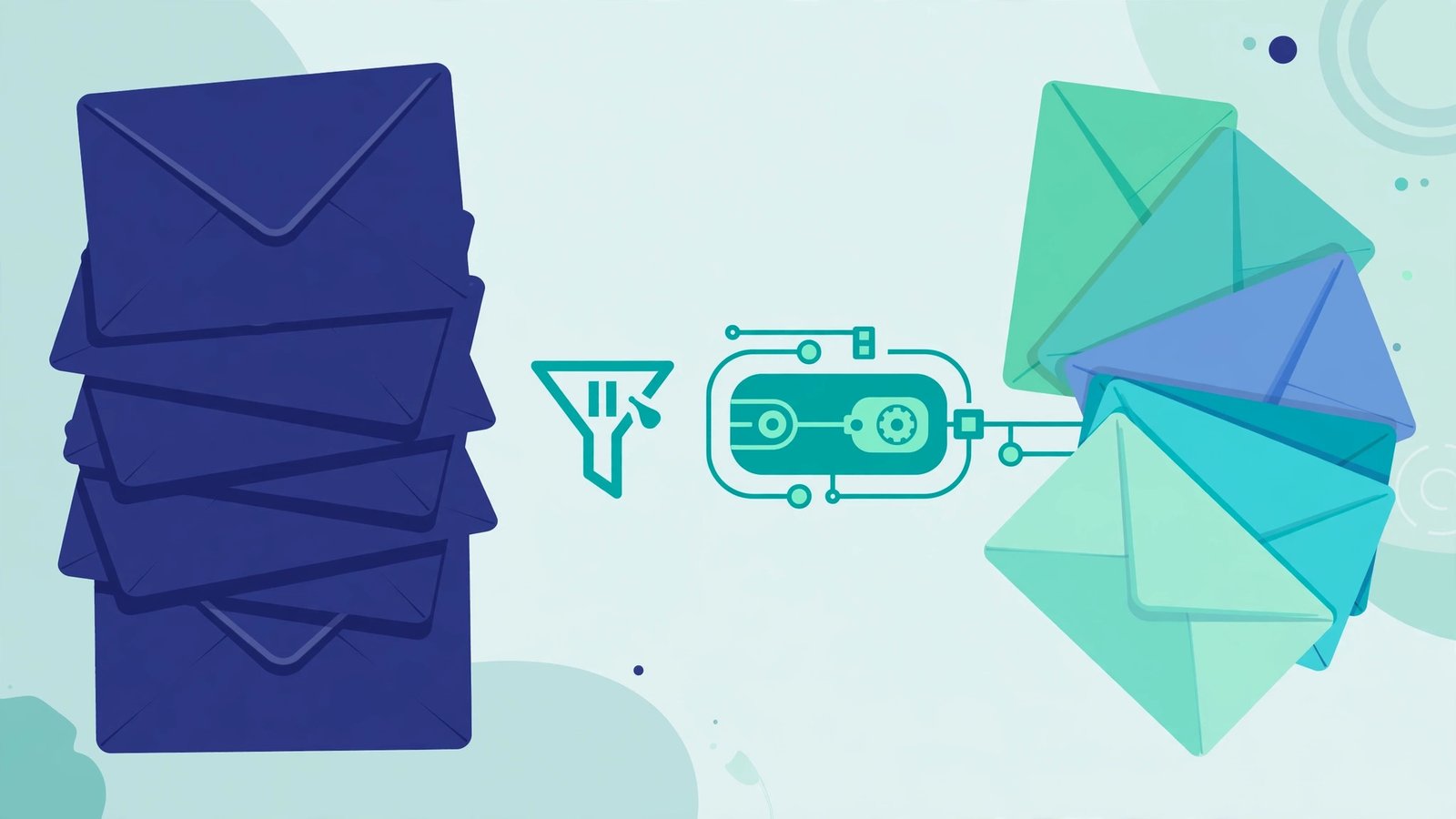
What is the best way to keep trigger campaigns from repeating the same copy? Give every trigger a rotation pool of three to five approved variants, and block the same variant from reaching the same person twice within 30 days. Rotation without a suppression rule still repeats, and suppression without rotation just silences you. Together, they end the déjà-vu.
A customer abandons a cart on Monday and gets the reminder. They browse again on Thursday and get the exact same reminder, word for word. By the third identical email, they are not being reminded — they are being nagged by a robot that cannot remember what it already said. I have watched this happen in a small shop’s welcome series, a SaaS onboarding flow, and a charity’s donation follow-up, and the cause was the same every time: one message written for one trigger, left to fire forever.
Trigger campaigns are supposed to feel timely and personal. They repeat because the system behind them has no memory and no variety. The fix is a small system: variants to rotate, rules to suppress repeats, and one shared library so two triggers never accidentally send the same default text.
Why do trigger campaigns repeat the same copy?
A trigger that fires every time a condition is true will eventually repeat itself. That is the design flaw, not a copywriting failure. Each trigger usually has exactly one message attached to it, and the condition that fires it recurs. A returning customer trips the same trigger, so they receive the same email. Nothing in the setup asks, “Has this person already seen this?”
Three quieter causes make it worse. First, triggers overlap: a browse-abandonment email, a cart-abandonment email, and a promotion can all fire in the same week with near-identical opening lines, because three people wrote them from the same template. Second, nobody owns the copy after launch — the message fresh in January is still firing in October. Third, personalisation is often cosmetic: a first name on an otherwise identical message.
The test that exposes all three is simple: send yourself through the journey twice, a week apart, with the same actions. If the second pass feels like a rerun, your customers are already getting the rerun.
What is the best way to keep trigger campaigns from repeating the same copy?
The best way to keep trigger campaigns from repeating the same copy is to combine two controls that do different jobs. Rotation gives the reader variety. Suppression gives the reader memory. You need both, and they are cheap to set up in almost any email or automation tool.
Start with rotation. For each triggered message, write three to five variants that say the same thing differently: different opening line, different example, different call to action. Keep the offer and the facts identical so you are rotating wording, not promises. A welcome email might rotate between a quick-start tip, a customer story, and a plain “here is where everything lives” version. None of them needs to be brilliant; they need to be different enough that a second receipt does not feel like a copy-paste error.
Then add suppression: the same person must not receive the same variant twice within 30 days, or two triggers with the same core message on the same day. Most tools support this as an exclusion or a “do not send if received in the last X days” condition; if yours does not, a tag such as “received variant B on 12 October” does the same job. Use 90 days for slow journeys like onboarding, where a repeat after three months reads as a reminder rather than a glitch. Finally, keep one shared copy library, so duplicates become visible before they ship.
How do you build a copy-variation system that actually scales?
Variation fails when it means writing five times as much copy for everything. It works when you vary only the parts readers notice. In my test setup, I kept the offer and footer identical and rotated three elements: the opening sentence, one supporting example, and the closing line. That produced genuinely different-feeling messages from a single afternoon of writing, and approval stayed simple because the claims never changed.
Build the pool trigger by trigger, starting with the highest-volume one — usually abandoned cart, then welcome, then post-purchase. For each trigger, write a one-line brief: who receives it, what action it should prompt, and what it must never promise. Write the variants against that brief, label them A, B, C, and track them in a simple spreadsheet; you do not need new software.
One rule keeps the pool honest: every triggered message needs an owner, a purpose, and an expiry date. The owner reviews the pool quarterly. The purpose is one sentence — “get the customer back to checkout” — not a paragraph of brand goals. The expiry date forces a decision: refresh the pool, retire the trigger, or confirm it still earns its sends. Triggers without owners are the ones still sending January’s copy in October.
What should you rotate, and what must stay fixed?
Variation fails when it means rewriting everything, and it misleads when it changes the promise. Rotate only the parts readers notice; keep everything that carries a fact or a commitment exactly the same across variants.
| Element | Rotate | Keep fixed |
|---|---|---|
| Opening line | Yes – a different first sentence each time | No |
| Supporting example | Yes – swap the story or the use case | No |
| Closing line and call to action | Yes – vary the wording, not the destination | No |
| Offer, price and discount | No – rotating the offer is a different promise, not a variant | Yes |
| Facts, claims and dates | No – every variant must make the same claims | Yes |
| Footer, legal text and unsubscribe | No | Yes |
Approval stays simple because the claims never change – a reviewer checks one variant’s facts and the rest inherit the sign-off. The moment a variant changes the offer, it stops being a rotation and becomes a new campaign that needs its own approval and its own test. If the email is one step in a wider automated flow, applying the same discipline to routing automated email means varying the handling, never the facts the customer was promised.
How do you stop the same customer getting the same message twice?
Suppression must work at journey level, not just variant level. A customer can receive variant A of the cart email, variant B of the browse email, and a promotion that all open with the same “We noticed you left something behind” line — and from their side, that is the same message three times, even though your system counts three different sends. If two triggers can fire on the same day, they must not be allowed to send the same copy.
Fix this with priority and spacing rules. Rank your triggers: transactional and service messages first, then behavioural triggers, then promotions last. If two triggers qualify on the same day, send the higher-priority one and delay the other by at least 48 hours, or drop it if its moment has passed. Add a frequency cap across the whole account — for most small teams, no more than one triggered marketing message per person per day, and no more than three per week, is a sane starting point. Service messages like order confirmations sit outside the cap; marketing triggers do not.
Also suppress by outcome, not just by send. If a customer already completed the action — bought the item, finished onboarding, booked the call — every trigger chasing that action must stop immediately. The most annoying repeat is the reminder for something the customer already did, so check each trigger’s exit condition at every pool review.
One-time or recurring? Set the entry policy before you write the copy
“Runs once” sounds like a promise that a contact will only ever get the message once. It is not. It governs one trigger, not every route into the automation: a contact who meets a second trigger enters again, and a contact added manually bypasses the setting entirely. Set the policy at the automation level, for the sequence’s purpose, before writing a word of copy.
| Sequence purpose | Entry policy to use | Remaining risk to test |
|---|---|---|
| One-time welcome or onboarding | Only once, across all start triggers | Manual additions and separate automations can still re-enter the contact |
| Recurring education after completion | Only after the contact has exited | The same content repeats on a later run unless the copy also rotates |
| Behavioural nudge (browse, cart, re-engagement) | Only once per cooldown window | Overlapping triggers with the same opening line still read as one repeated message |
Before publishing, trace one real contact through the system – open their run history and count how many separate runs reached the same email action. If the answer is more than one, the entry policy is wrong, not the copy. The order to fix them in follows the same logic as picking the first workflow to fix: start with the highest-volume trigger, prove the fix there, then move down the list.
How do you test whether the repetition is fixed?
Do not trust the setup screen; test it the way a customer experiences it. Create two test contacts and walk them through the same journey twice, a week apart, exactly as a real customer would: same browse, same cart, same inaction. Screenshot every message, then compare the two runs and count how many messages were word-for-word repeats, how many were near-identical, and how many felt genuinely different. In the small shop test I ran, the first pass produced three identical emails across two weeks; after rotation and suppression, the second pass produced none, with one message delayed by the spacing rule instead of doubling up.
Then check the numbers for a month: repeat-open rates, unsubscribe rates, and complaints should all fall. Also check the share of triggered sends going to people who received the same trigger in the previous 30 days — if it is still high, your suppression window is too short or your exit conditions are broken. A healthy target is under 10 percent for marketing triggers. Finally, read five real customer replies a month: one “you already sent me this” tells you more than a dashboard.
The cooldown is the last line of defence
Rotation and suppression stop most repeats. The cooldown stops the rest – including the ones no trigger setting can foresee, like two events landing in the same second. It is a minimum gap between sends of the same campaign, checked right before the message goes out, so it catches duplicates even when the trigger logic has already fired.
| Control | What it does | Example setting |
|---|---|---|
| Timestamp check | Processes only the latest event, so a flurry of cart updates sends one email, not five | The last event timestamp must equal the triggering event’s timestamp |
| Frequency policy (cooldown) | Sets a minimum gap between sends of the same campaign | 1 send per day per campaign |
| Priority ranking | Decides which message wins when two triggers fire the same day | Transactional and service messages first, behavioural triggers second, promotions last |
Set the cooldown on the send action itself – the email or SMS step – not on the trigger. A cooldown on the trigger only throttles entry; a cooldown on the send is the guaranteed final barrier, because it is evaluated at the moment of sending. If two triggers can fire on the same day, they must not be allowed to send the same copy, and the priority ranking above is what enforces that. When a trigger keeps misfiring despite the controls, work through the troubleshooting checklist before rebuilding the automation – most repeat sends are a setting, not a broken tool.
What rules keep new campaigns from drifting back to repeats?
Fix the system, not the single email, or the repeat will come back with a new subject line. Every new trigger should pass a four-question check before it goes live: Does a trigger already cover this moment? Does its copy duplicate an existing trigger’s opening or offer? What suppresses it, and what stops it? Who owns it, and when is it reviewed? If the first answer is yes, improve the existing trigger instead of adding a rival.
Write the check into your launch checklist — one line per question, answered in the campaign’s notes field. Review the whole trigger map quarterly: one page listing every trigger, its volume, its repeat rate, and its owner. Retire anything that no longer earns its sends.
Frequently asked questions
How many variants does each triggered message need?
Three is the practical minimum and five is plenty. Fewer than three and the rotation is visible within a month; more than five and the pool becomes hard to review and approve. Start with three, and add a fourth and fifth only to your highest-volume triggers.
Does rotation hurt A/B testing?
No, if you keep the test separate from the pool. Test one element at a time against a fixed control, then roll the winner into all variants. Do not treat the rotation pool itself as a test, or you will never know which change moved the result.
What if my email tool cannot suppress by variant?
Use tags and delays. Tag each contact with the variant they received and the date, then exclude contacts tagged within your suppression window from that variant. If even tagging is limited, rotate on a fixed weekly schedule and add a global frequency cap as a backstop.
Should transactional emails rotate too?
No. Order confirmations, password resets, and receipts should stay identical and instantly recognisable — customers scan them for facts, not freshness. Rotate marketing and behavioural triggers only, and keep service messages outside the frequency cap.
How do I find which of my triggers overlap?
List every trigger on one page with its message’s opening line and offer. Any two sharing an opening line or an offer overlap, even if they live in different automations. Start with the highest-volume triggers – usually abandoned cart, then welcome, then post-purchase.
What is a frequency policy, and where do I set it?
A frequency policy is a minimum gap between sends of the same campaign, set on the send action – the email or SMS step – not on the trigger. A common starting point is one send per day per campaign. It is the final check before the message goes out, so it catches duplicates even when two events land in the same second.
Can I fix repeats without rewriting all my copy?
Yes. Keep the existing message, write two more variants of the opening line, the example and the closing line, and add a 30-day no-repeat rule. That is one afternoon of writing per trigger, starting with the highest-volume one – you do not need to rebuild the email system.
Was this guide helpful?
Tell us what needs improving →
Your selection stays on this page. To send feedback to the publication, use our contact form.
About this publication
From OptimaFlow AI
Practical guides to AI, automation, and better everyday workflows. We use illustrative examples and original diagrams, with AI-assisted writing and illustrations.
Read our editorial approach →About OptimaFlow AI