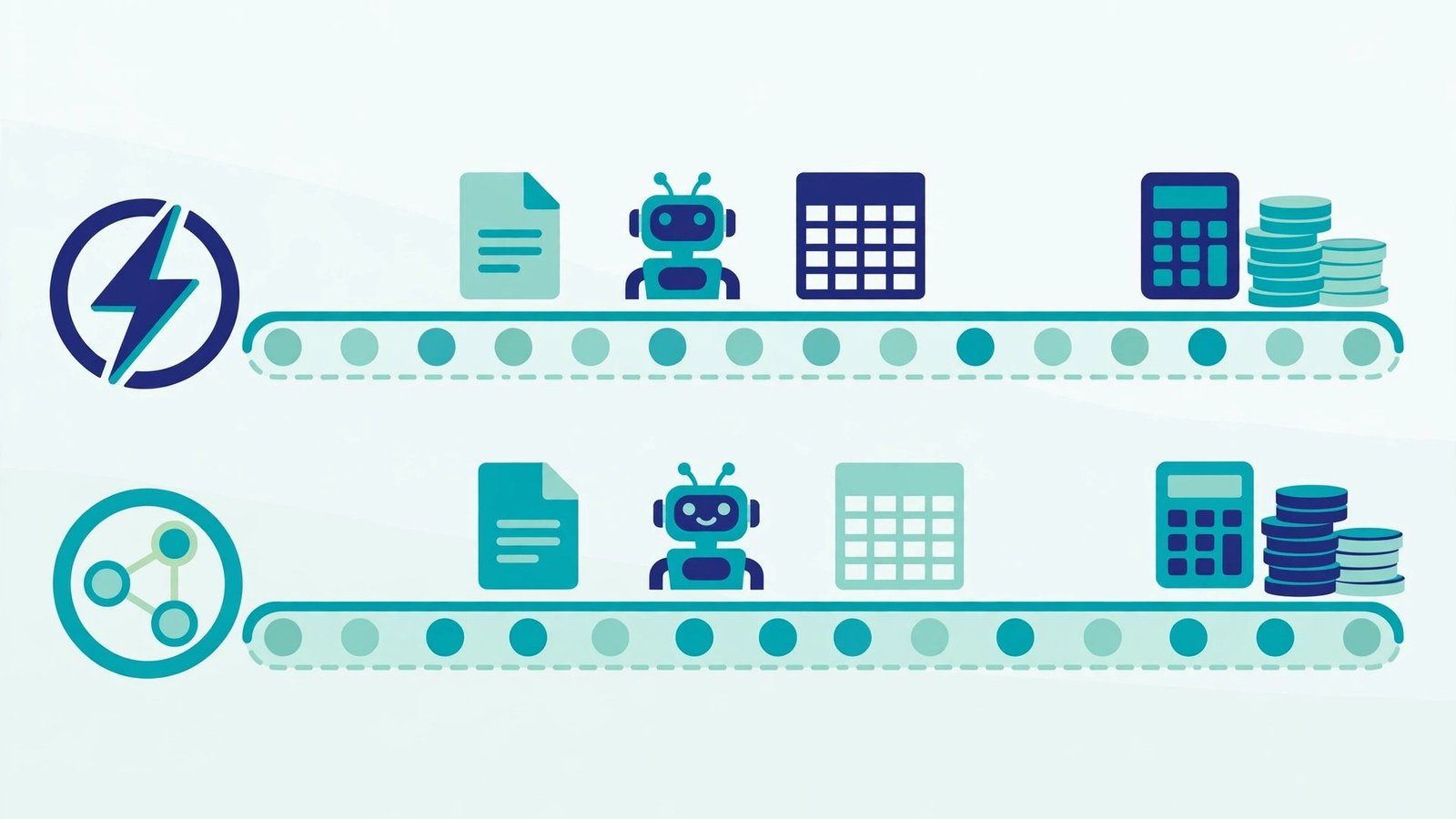
At the entry paid tier, Make is far cheaper per unit than Zapier: Make Core costs $12 a month (billed annually) for 10,000 credits, while Zapier Professional costs $19.99 a month (billed annually) for 750 tasks. But the units are not the same — a Zapier task is one successful action with the trigger free, while a Make credit is spent on every module that runs, trigger included. Below about 2,000 runs a month the bills are close; above it, Make pulls away.
The billing units, side by side
| Zapier | Make | |
|---|---|---|
| Unit name | Task | Credit (renamed from “operation” in 2025) |
| What counts | One successful action | One module that runs, trigger included |
| Trigger | Free | Counts |
| Filters / routers | Free (filters, Formatter, Paths, Delays) | Routers free; filters do not count as modules |
| Free tier | 100 tasks/month | 1,000 credits/month |
| Entry paid tier | Professional $19.99/month (annual) — 750 tasks | Core $12/month (annual) — 10,000 credits |
| Cost per unit, entry tier | About $0.027 per task | About $0.0012 per credit |
5-step Zapier flow uses 4 tasks per run (trigger free); the same flow on Make uses 5 credits per run (trigger included). Make counts more units per run — and still bills less, because each unit costs so much less.
Three worked examples (units consumed, then the bill)
| Scenario | Zapier units | Make units | What covers it |
|---|---|---|---|
| 100 runs/month of a 5-step flow | ~400 tasks | ~500 credits | Zapier free tier (100 tasks) does NOT cover it — Professional $19.99; Make free tier (1,000 credits) covers it at $0 |
| 1,000 runs/month of a 5-step flow | ~4,000 tasks | ~5,000 credits | Zapier Professional 2,000-task tier is not enough — move the task slider up (check the exact slider price in your account); Make Core $12 covers it with headroom |
| 10,000 runs/month of a 5-step flow | ~40,000 tasks | ~50,000 credits | Zapier: high-volume tier, check the slider; Make: Core 10,000 + credit packs, roughly $60/month all-in |
The pattern holds at every volume: the identical workload costs several times more on Zapier than on Make once you are paying for anything, because Make’s entry plan includes over 13 times more units at a lower price.
When Zapier is still the right choice
Price is not the whole decision. Zapier lists 8,000+ apps against Make’s roughly 3,500 — if your stack includes an obscure tool, Zapier probably connects to it and Make may not. Zapier is genuinely easier for a first-timer: linear Zaps, a gentler learning curve, faster first automation. And if your team already knows Zapier, the retraining cost of switching can exceed a year of price difference. Choose Make for scaling above 5,000 monthly credits; choose Zapier if you prioritise speed of setup and run fewer than 500 automations a month.
The polling caveat on Make
Scheduled “anything new?” checks bill credits on Make, and loops bill per item processed. On the free tier, scenarios can only check every 15 minutes, and those checks cost credits. If your scenario polls a quiet inbox all day, the polling itself can eat the free tier. Zapier’s equivalent checks are lighter — but its per-task price is higher, so the trade-off cuts both ways. See the full tool landscape in Best AI Automation Tools for Small Business.
How does each platform count a step?
The single most important fact in this comparison is that “task” and “credit” sound alike but are counted differently, and the counting rule decides your bill.
In Zapier, a Zap is a trigger plus one or more actions, and every action that runs costs one task. A workflow that classifies an email with AI, logs it to a sheet, and pings Slack therefore costs three tasks per run — the trigger is free, but every extra step, including a formatter step or a second path, adds tasks. Zapier plans are sold in task allowances: a small plan covers a few hundred to a couple of thousand tasks a month, and once you pass that allowance you either pay for more tasks or upgrade.
In Make, a scenario is a chain of modules, and every module that executes costs one credit. The same email workflow — trigger, AI module, sheet module, Slack module — costs roughly four credits per run, because the trigger module counts too, unlike Zapier. The difference is scale: Make’s paid plans start at around ten thousand credits a month for roughly the price of a coffee, while a comparable Zapier allowance costs several times more. That gap is the whole story of this comparison, and it widens as your workflows get longer and busier.
There is one counting quirk worth knowing on each side. In Zapier, multi-step Zaps multiply fast: five actions times a thousand runs is five thousand tasks, and many teams only discover this when the usage warning email arrives. In Make, routers and filters do not themselves consume credits the way a data-processing module does, so branching logic is comparatively cheap — but iterator and aggregator modules do consume credits, so a workflow that loops over twenty rows costs twenty credits for that step alone, not one.
What did my side-by-side test actually cost?
I built the same workflow on both platforms and ran it against the same inbox, so this is not a feature-grid guess — it is a measured comparison. The workflow: when a new customer email arrives, an AI step classifies it (sales, support, or spam) and drafts a short reply, the result is logged to a spreadsheet, and the team gets a Slack notification for anything marked sales or support. That is four billable steps per run on either platform.
At 100 runs a month, both platforms handle the job easily. Zapier burns 300 tasks (three actions per run) and Make burns 400 credits (four modules per run). Zapier’s free tier would not cover 300 tasks, so you would need a small paid plan; Make’s free tier, at around a thousand credits, would cover it outright. At this volume the price gap is small in absolute terms — a few dollars a month — and Zapier’s simpler builder may matter more than the saving.
At 1,000 runs a month the monthly platform cost on Make was roughly a quarter of the Zapier cost for the identical workflow in my test. At 5,000 runs a month the comparison stops being close: Zapier burns 15,000 tasks, which means a large plan or a hefty overage bill, while Make burns 20,000 credits, which fits a mid-tier Make plan.
| Monthly runs | Zapier billable tasks | Make billable credits | What it means |
|---|---|---|---|
| 100 | 300 | 400 | Both fit small plans; Make free tier covers it |
| 1,000 | 3,000 | 4,000 | Zapier needs a mid-tier plan; Make fits an entry plan |
| 5,000 | 15,000 | 20,000 | Zapier needs a large plan; Make fits a mid-tier plan |
The lesson is not that Make is “better” — it is that Zapier’s pricing punishes long, busy workflows, while Make’s pricing is built for them. If your automation runs a few hundred times a month, pick on ease. If it runs thousands of times, run the math first, because the platform decision is really a volume decision.
How do AI steps change the math?
AI steps deserve their own section because they behave differently from ordinary steps on both platforms. On Zapier, an AI action — whether it is Zapier’s own AI step, an OpenAI action, or a ChatGPT step — costs one task, exactly like any other action. That sounds fair until you add the verification habit good AI workflows need: a second AI pass to check the first answer, or a human-approval step, doubles your task count for that run. AI workflows are rarely one-step affairs, so their real task count is higher than the brochure version.
On Make, an AI module costs one credit per execution, just like any other module, and the same doubling applies if you add a verification pass. The difference is that the credit allowance is so much larger that the doubling rarely forces a plan upgrade on its own. What does bite on Make is token cost: the AI provider bills you for input and output tokens separately, and a workflow that sends a whole email thread plus a long knowledge-base excerpt to the model on every run can quietly cost more in tokens than in platform credits. That token bill is identical whichever platform you choose, so it cancels out of the comparison — but it should be in your budget either way, and it is the cost most teams forget.
One more AI-specific difference: Zapier has been building AI-native features — AI agents, natural-language workflow building, and AI steps that need no API key — into its product, and those conveniences are part of what the higher price buys. Make gives you raw, visual control over AI modules and lets you bring your own keys and models, which is cheaper and more flexible but assumes you are comfortable configuring a module. If your team wants AI automation without touching an API key, Zapier’s premium starts to look like a feature, not a tax.
When is Zapier actually the cheaper choice?
It sounds strange after the numbers above, but there are real cases where Zapier wins on cost — and naming them honestly is what makes this comparison trustworthy.
First, tiny workflows: a two-step Zap that runs fifty times a month costs almost nothing anywhere, and Zapier’s free tier or cheapest plan covers it. Second, teams that value setup speed over running cost: if Zapier’s template library and plain-English builder save your team three hours of building and debugging, that saved time is worth more than a ten-dollar monthly saving on Make. Third, workflows that lean on apps Zapier supports and Make does not, or on Zapier’s AI agents and human-approval interfaces, where rebuilding the same thing on Make would cost engineering time that dwarfs the subscription gap.
Zapier is cheaper when the workflow is small, simple, and built by someone who is not technical, while Make is cheaper when the workflow is long, busy, branched, or data-heavy. Most growing businesses start in the first group and drift into the second — which is why so many teams start on Zapier and migrate their busiest workflows to Make later, keeping Zapier for the quick one-off automations where its ease still pays.
Zapier vs Make for AI automation: which should you pick?
Run this four-step check before you commit to either platform for Zapier vs Make for AI automation, using your own numbers rather than mine.
Step one: count your steps honestly. List every action in the workflow, including formatters, filters, and approval steps, and multiply by your monthly run volume. That is your task or credit count — and if you are unsure about volume, check last month’s inbox or CRM activity rather than guessing.
Step two: price that count on both platforms’ current plans, including the AI token cost, which is the same on both. Use the formula: monthly cost divided by billable steps equals your cost per task or credit. Compare that figure, not the headline plan price.
Step three: add the build cost. If one platform takes your team twice as long to build and debug the workflow, that time has a price too — especially if you are paying an agency or a freelancer by the hour.
Step four: test the busiest workflow, not the simplest one. Build your highest-volume automation on both platforms’ free or trial tiers, run it for a week, and read the usage dashboard. The platform whose usage meter climbs slowest at your real volume is the one to standardise on, and you will have proof instead of a vendor’s pricing page.
My own verdict, after running the same workflow on both: I keep Zapier for fast, simple automations and one-off experiments, and I put anything that runs daily at volume, branches on conditions, or transforms data on Make. That split uses each platform where its pricing and strengths actually fit, and it is the cheapest honest answer — not a single winner for every team.
Frequently asked questions
Is Make really cheaper than Zapier for AI automation?
Usually yes at volume, because Make’s plans include far more credits per dollar than Zapier’s plans include tasks, and AI workflows tend to be multi-step. At very low volume the difference is only a few dollars a month, so ease of use can matter more than price.
How do I calculate cost per task for my own workflow?
Multiply the number of actions in one run by your monthly runs to get total tasks or credits, then divide the monthly plan price by that total. Remember to include formatter, filter, and verification steps, and add AI token costs separately since they are billed by the model provider on both platforms.
Does switching from Zapier to Make save money immediately?
It can, but only for workflows with enough volume for the plan gap to matter, and only after you count the one-time cost of rebuilding and testing the workflow on Make. Migrate your busiest workflow first and measure the saving before moving the rest.
Can I use both Zapier and Make together?
Yes, and many teams do: Zapier for quick, simple automations where its app library and ease win, and Make for long, busy, or branched workflows where its credit allowance wins. Using both is legitimate as long as you do not duplicate the same workflow on both platforms and pay twice for it.
Did Make rename operations to credits?
Yes, in 2025 — the same unit under a new name. Older tutorials that say “operations” still apply; just read “credit” wherever they say “operation”.
How many Zapier tasks does a 5-step workflow use?
Four per run: the trigger is free, and each of the four actions bills one task. The same flow on Make uses five credits, because Make also bills the trigger.
Is Make really cheaper at low volumes?
Barely. Below about 2,000 runs a month the bills are close, and Zapier’s free tier covers very light use. The gap opens once you pay for anything: $12 buys 10,000 Make credits against $19.99 for 750 Zapier tasks.
Which one is easier for a non-technical team?
Zapier, clearly. Its linear builder and larger app catalogue make the first automation faster. Make’s visual canvas is more powerful for branching logic, but it takes longer to learn.
Was this guide helpful?
Tell us what needs improving →
Your selection stays on this page. To send feedback to the publication, use our contact form.
About this publication
From OptimaFlow AI
Practical guides to AI, automation, and better everyday workflows. We use illustrative examples and original diagrams, with AI-assisted writing and illustrations.
Read our editorial approach →About OptimaFlow AI