How to Choose Article Images and Write Useful Alt Text
Match each article to a relevant image, distinguish diagrams from screenshots, and write alt text that serves the reader instead of stuffing keywords.
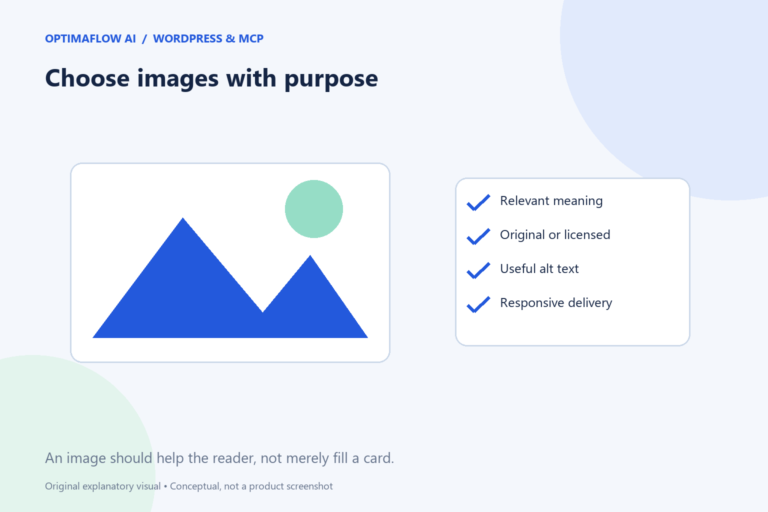
An article image should explain, orient, or illustrate something connected to the page. A generic cover can make a library attractive, but a topic-specific diagram often helps the reader more. Image choice also affects accessibility, trust, and page delivery, so review the asset as part of the article rather than as decoration added at the end.
Decide what the image contributes
Ask what the reader should understand from the image. A process map can show approval points. A calculator guide can show the relationship between time, review effort, and cost. A real screenshot can demonstrate a verified interface action when it is current and appropriately sourced.
Do not use an image merely because it contains an AI symbol. Match its message to the article’s actual question. Different articles deserve distinguishable covers when their purposes differ, even if the site keeps one consistent color palette.
Check rights and presentation
Use assets you own, have permission to use, or can publish under their applicable terms. Do not copy a competitor’s article image because it fits the layout. Keep any required credit or license record with the media.
For generated illustrations, inspect misleading text, invented interfaces, and visual errors. A conceptual image should not look like evidence that a specific product was tested. If it could be misunderstood, add a caption explaining what it represents.
Write alt text for the information
Describe the meaningful content in the context of the page. For a workflow diagram, “Enquiry moves through validation, AI summary, human review, and a draft response” is more useful than “best AI automation tools business workflow.” The latter is a keyword list, not an explanation.
Alt text is not a place to repeat the entire article. Complex diagrams may need a nearby text explanation as well. Purely decorative images can use empty alt text when appropriate, while linked images need an accessible indication of their purpose.
Deliver a suitable image size
Use dimensions and responsive sources suited to the display. A small card does not need to download the full original image. Keep width and height information so the browser can reserve space and reduce layout shifts.
Check the image on a narrow screen. Text embedded in a large diagram may become too small; make sure the article explains the same information in readable text. Avoid placing critical instructions only inside the image.
Review in the saved page
Confirm the media loads, the crop preserves useful content, and the caption is accurate. Check that the right featured image appears in the guide card and article. A filename is not a reliable substitute for viewing the actual asset.
Google’s image guidance discusses descriptive context, alt text, and discoverability. Pair image review with our publication checklist and use clear links to connect the article with related resources.
Example: describe the useful sequence
A guide’s image shows a request moving through input checks, an AI summary, a reviewer, and a draft response. Describe that sequence concisely in alt text. The surrounding article can explain the reasons and exceptions in more detail.
If the same asset is used as a linked card, ensure the link also has a meaningful article title. Do not make a screen-reader user listen to a long marketing keyword list before learning the destination. Review the image and link together in their actual page context.
Watch the mobile crop
A wide image can lose a key label when a card uses a fixed crop. Keep important information away from edges and provide the explanation in normal page text.
Frequently asked questions
Should I put the target keyword in every alt text?
Only when it naturally describes the image. Accessibility and accurate context should guide the wording.
Can a diagram replace all the written steps?
No. Provide a readable explanation of important information, especially when the diagram contains small labels or multiple branches.