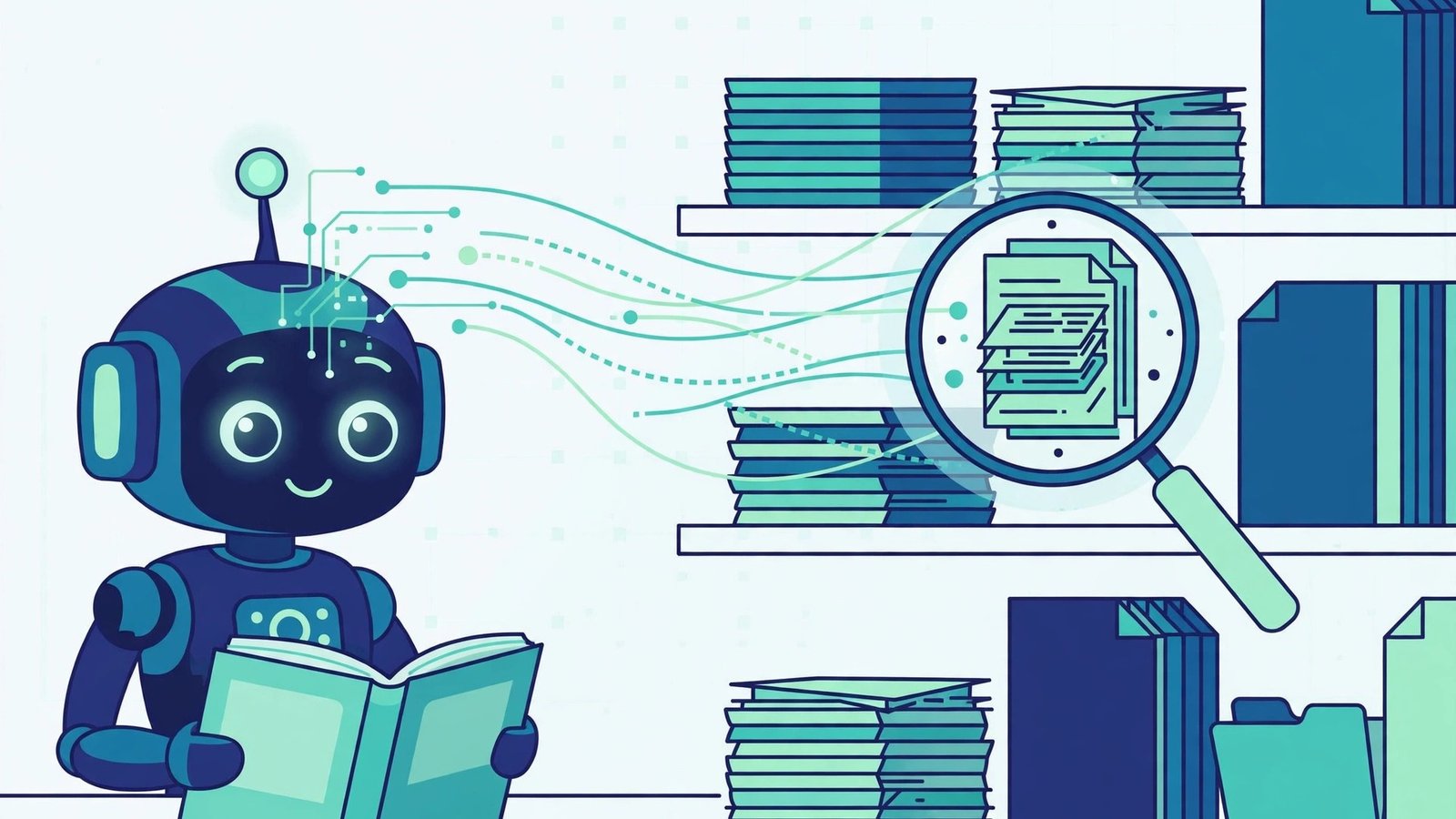
RAG — retrieval-augmented generation — is a way of letting an AI answer from your documents instead of from memory: before it writes a reply, the AI searches your files for the passages that matter, then writes its answer using only what it found. The result is fewer made-up facts, answers you can check against a source, and a chatbot that knows things it was never trained on.
If you have ever watched a chatbot answer a question about your own business with total confidence and total fiction, you have met the problem RAG exists to solve. A language model knows a lot about the world in general and nothing about your price list, your returns policy, or last quarter’s decisions — and when it does not know, it guesses. RAG changes the setup: instead of asking the model to remember, you give it the documents to look at. The idea is simple, and the basic version is something you can build in an afternoon with tools you already have. This guide explains what RAG in AI is in plain English, how it works step by step, when you actually need it, and the mistakes that make it fail.
What is RAG in AI, in plain English?
Think of it as the difference between an open-book exam and a memory test: with RAG, the model looks the answer up before it speaks. A student taking a memory test answers from whatever they happen to remember, and when the memory is thin they improvise — fluently, confidently, and wrong. A student with the textbook open finds the right page first and then writes the answer from it. RAG gives the AI the textbook. The three words in the name describe the three moves: retrieval finds the relevant passages in your documents, augmented means those passages are attached to the question, and generation is the model writing its answer from what it was given.
The point most explanations skip is what RAG does not do: it does not teach the model your documents. Nothing is learned permanently, no weights change, and no training run happens. The model looks your files up fresh at answer time, which means updating a document updates the answers the same day — change the price in the file and the next answer quotes the new price. That is the whole appeal for real workflows: your knowledge stays in your files, where you can edit it, and the AI borrows it for one question at a time.
A concrete picture makes it click. A customer asks your support chatbot, “How long do I have to return a faulty item?” Without RAG, the model reaches into its general knowledge and invents a plausible-sounding policy — thirty days, say — because that is what most policies say. With RAG, it searches your returns policy first, finds the clause that says fourteen days for faulty items, and quotes it, ideally with the section it came from. Same model, same question, different answer — because the answer came from your files instead of from the model’s memory.
How does RAG actually work, step by step?
Under the hood, RAG is four steps, and you only need a working picture of each one to use it well.
Step 1: chunk your documents. Your files are split into short passages, usually a few hundred words each — a paragraph or two, a table, a section of a policy. The chunk is the unit the system searches, so its size matters: too big and the model gets a wall of irrelevant text; too small and the answer loses its context. These chunking decisions are the step most people rush, and they are the same decisions that make or break an AI knowledge base.
Step 2: turn every chunk into an embedding. An embedding is a long list of numbers that captures what a passage means, not just the words in it. Passages with similar meanings end up with similar numbers, so “refund” and “money back” sit close together even though they share no words.
Step 3: search by similarity. When you ask a question, it is turned into an embedding too, and the system pulls the handful of chunks whose postcodes are closest to the question. That is the retrieval step, and it is why RAG can work across thousands of documents: it never reads them all, it just finds the five or so passages most likely to contain the answer.
Step 4: generate from the passages. The retrieved chunks are pasted into the prompt alongside your question, with an instruction like “answer using only these passages, and say when they do not contain the answer.” The model then writes its reply from the documents, and a good setup makes it cite the passage it used. That citation is the quiet superpower of the whole technique: an answer you can check is worth more than an answer that merely sounds right.
In practice you rarely build these four steps by hand. Tools you already know do them for you: a custom GPT, a Claude Project, or NotebookLM all chunk, embed, search, and generate behind one upload button. The machinery is hidden, but the four steps are still running — and when the answers go wrong, knowing which step failed is how you fix it.
When do you actually need RAG — and when don’t you?
RAG is the right choice whenever the answer lives in documents the model was never trained on, changes often, or has to be checkable. That covers more real work than people expect. Internal knowledge is the clearest case: your policies, your product manuals, your meeting notes, your past decisions — none of it was in the model’s training data, so without retrieval the model is guessing about your own business. Fast-changing information is the second: prices, stock, regulations, and anything updated monthly cannot be baked into a model that was trained months ago. And anything where the answer must be verifiable — a support reply, a compliance answer, a figure in a report — is better when the model quotes a passage you can open and check.
Just as useful is knowing when you do not need it. General-knowledge questions do not need RAG: the model already knows how photosynthesis works. Creative work does not need it either — brainstorming, drafting, and rewriting are better without a pile of documents narrowing the model’s view. A short document you can paste into the chat in full does not need RAG; retrieval earns its keep when the pile is too big to paste. And a question you will ask exactly once is not worth a pipeline: upload the file, ask, move on.
The practical rule I use is simple. If you can paste the whole document into the chat and it fits comfortably, you do not need RAG yet. If the knowledge is spread across twenty files, changes every month, or has to be cited — that is when you build it. Most small teams cross that line sooner than they think: a support inbox, a product wiki, and a policy folder add up to a pile nobody can paste whole, and that pile is exactly what RAG is for.
What is the difference between RAG and fine-tuning?
People confuse RAG and fine-tuning because both make a model “know” your business, but they do it in opposite ways. RAG is the open-book exam: the model looks the facts up at answer time. Fine-tuning is studying for the exam: you train the model on examples until the behaviour is baked into its weights. The difference decides almost everything about cost, maintenance, and what can go wrong.
Fine-tuning wins when the problem is how the model behaves rather than what it knows. If you need every reply in a particular tone, every summary in a particular format, or a classifier that labels tickets the way your team does, fine-tuning teaches the pattern. It is also the right tool when the knowledge is stable — a style guide that has not changed in two years is a good candidate for training, while a price list that changes monthly is not.
RAG wins when the problem is facts. It is cheaper to start, because there is no training run and no labelled dataset to build. It is cheaper to update: a changed fact means replacing a file, not retraining a model. And it can show its work — a fine-tuned model answers from its weights and cannot point at the passage it used, while a RAG answer can cite the exact page. That is why the honest rule of thumb is: start with RAG, and only consider fine-tuning when the behaviour is the problem and the facts are stable. Most small teams never need to go further, and the ones that do usually keep RAG as well — retrieved facts plus tuned behaviour, each doing the job it is good at.
How do you build a simple RAG workflow yourself?
You do not need a developer to get a working RAG setup. Start with the smallest version that answers real questions, and grow it only when the small version proves itself.
First, gather the documents that answer real questions. Ten to twenty files is plenty to start: the policy people actually ask about, the product FAQ, the onboarding guide, the decision log. If a document has never answered a question anyone asked, leave it out — a small, clean pile beats a large, stale one.
Second, clean the pile. Delete superseded versions, merge near-duplicates, and make sure file names say what is inside them.
Third, pick the tool. For a small pile, the simplest route is one you already have: a custom GPT, a Claude Project, or NotebookLM. Upload the files, add one instruction — “answer only from the uploaded files, and say when they do not contain the answer” — and you have the basic version of RAG running. When the pile grows past a few hundred documents, or you need it wired into your own app, that is when the dedicated RAG tools and open-source stacks earn their place.
Fourth, test it with questions only the documents can answer. I ran this test myself with a 12-page sample returns-and-shipping handbook from a fictional company, asking five questions whose answers existed nowhere except that document. Without the file attached, the model answered one of five correctly — and the wrong answers sounded confident, including an invented 30-day returns window that appeared nowhere in the handbook. With the file attached, it answered four of five correctly and quoted the relevant section each time. In my test, the same five questions scored one correct answer from memory and four correct with the document attached — the one miss was a question the document never answered. That miss is the most important result in the test: instead of inventing an answer, the model said the document did not cover it. That is exactly the behaviour you want, and it is the behaviour the “say when you don’t know” instruction exists to produce.
Note what this test really was: the simple version of RAG in miniature. The “retrieval” was the tool searching my one file instead of thousands, but the shape is identical — find the passage, attach it to the question, answer from it. If your test goes the same way, with citations you can open and check, your setup works. If the answers sound right but never quote anything, the retrieval is not engaging, and the fix is usually in the cleaning step, not the tool.
What are the limits and mistakes that break RAG?
RAG does not train the model on your documents, and it does not stop hallucinations completely — it makes the answers checkable, which is the part that matters for real work. That honesty is worth carrying into the limits, because most RAG failures are not technology failures. They are maintenance failures.
The first is stale documents. RAG quotes whatever is in the pile, including last year’s price list and the policy you replaced in March. Name one person to own the pile and put a monthly review on their calendar: open it, delete what is superseded, replace what changed.
The second is bad chunking. A chunk that cuts a table in half, or splits a definition from its exceptions, gives the model half an answer to work with — and it will confidently present the half as the whole. Keep tables intact, keep definitions with their conditions, and prefer slightly larger chunks over fragments.
The third is the retrieval miss. If your question says “money back” and the document says “refund”, the similarity search can miss the right passage entirely, and the model answers from the wrong chunk or from memory. Writing documents in the words customers actually use helps more than any tuning, and so does a short glossary of synonyms in the pile itself.
The fourth is a missing “don’t know” rule. Without an explicit instruction to admit gaps, the model fills them from its own general knowledge — the worst of both worlds, because the answer now looks sourced while being invented. The instruction costs one sentence and prevents the most embarrassing failure the technique has.
Finally, watch what goes into the pile. Never upload secrets — passwords, API keys, private keys — or personal data the project does not need, and remember that sharing a RAG system shares its knowledge with everyone who has access.
RAG is not magic, and it is not a replacement for knowing your own material. It is a lookup step bolted onto a language model, and that modest description is exactly why it works: the model stops pretending to remember things it never learned, and starts showing you where its answers came from. Build the small version this week, test it with questions only your documents can answer, and you will know within an afternoon whether it earns a permanent place in your workflow.
How big should a chunk be? The numbers that decide retrieval quality
The chunk is the unit the system searches, so its size decides what the model ever sees. Too big and the model gets a wall of text with the answer buried somewhere inside it; too small and the answer loses the sentence around it that makes it true. The table below is the working range most teams start from — treat it as a starting point to test, not a law.
| Chunk size | Best for | Watch out for |
|---|---|---|
| 100–200 tokens (a short paragraph) | Short, self-contained facts — a price, a policy clause, a single rule | Loses context: the model may quote a line whose meaning depended on the paragraph above it |
| 200–500 tokens (one or two paragraphs) | Most business documents — policies, manuals, support articles | The default. Start here unless you have a reason not to |
| 500–1,000 tokens (a full section) | Long explanations where the reasoning matters as much as the conclusion | Retrieval gets noisier: a chunk can match the question for the wrong reason |
Two rules sit underneath the table. First, chunk by meaning, not by character count: cut at paragraph and section boundaries, and never split a table across two chunks, because a table whose rows land in different chunks answers with numbers from the wrong column. Second, overlap neighbouring chunks by 10–20% so a passage that straddles a boundary still appears whole in at least one chunk. And attach metadata to every chunk — the source document, its date, the section it came from — because the citation the model gives is only as useful as the label on the chunk it came from. These are the same chunking decisions that make or break an AI knowledge base for customer support, where the same trade-offs apply at team scale.
Keyword, vector, or hybrid: which retrieval fits your documents?
Retrieval is the step most RAG failures actually live in — when the answer is wrong, the model usually answered from the wrong passages, not from bad reasoning. The method you search with decides which passages get found.
| Method | How it matches | Best for | Weakness |
|---|---|---|---|
| Keyword search (BM25) | Exact words in the question | Product codes, names, reference numbers, error messages | Misses synonyms: “money back” never finds “refund” |
| Vector search (embeddings) | Meaning, by similarity of numbers | Questions phrased differently from the documents | Misses exact terms: it can rank a loosely related paragraph above the one with the exact figure |
| Hybrid search | Both, combined with rank fusion | Mixed business documents — the usual case | Slightly more setup than either alone |
| Reranking | Re-scores the top 20–50 candidates down to the best 5 | Fixing the “right chunk ranked eighth” problem | Adds latency and a second model call per question |
Hybrid is the default worth starting from: keyword search catches the exact code or figure, vector search catches the paraphrase, and combining them covers the misses of each. Reranking is the upgrade to add when the system mostly works but sometimes answers from the second-best passage — it costs one more step per question and is the cheapest accuracy gain in the pipeline. If you are using a tool that hides all of this — a Claude Project, for example — the same logic still applies: Claude Projects for team workflows do the chunking and retrieval for you, and knowing which step failed is still how you fix a wrong answer.
How do you know if your RAG works? Measure retrieval before generation
A RAG system has two halves that fail in different ways, so measure them separately. If you only score the final answer, you never learn whether the retriever fetched the wrong passages or the generator ignored the right ones. The table below maps the symptom you see to the stage that caused it.
| What you see | Which stage failed | The fix |
|---|---|---|
| Answer cites the wrong document | Retrieval — the wrong chunks ranked highest | Check chunk size and overlap; add keyword search alongside vector search |
| “That is not in the documents” — but it is | Retrieval or chunking — the passage exists and was never fetched | Check the chunk was not split mid-table; try a smaller chunk or a different query phrasing |
| Answer invents a fact despite good chunks | Generation — the prompt let the model answer from memory | Strengthen the instruction: answer only from the passages, and say so when they do not contain the answer |
| Answers quote last quarter’s numbers | Indexing — the document changed and the index did not | Re-index on every document change; a stale index is a confident wrong answer |
Build a test set before you trust the system: 20–30 real questions your team actually asks, each with the passage that should answer it. Run the set, and score retrieval first — what share of the retrieved chunks were actually used in the answer — and only then score the answer itself. A system that retrieves well and generates badly needs a better prompt; a system that retrieves badly needs better chunks, and no prompt fix will save it. The cost side is reassuring: embedding a whole policy library costs pennies, and the generation calls dominate the bill, so the expensive mistake is a system nobody trusts, not the tokens. The same staged thinking — one process, test, share, review — is how AI agents for repetitive office tasks get rolled out without the team drifting back to manual work.
Frequently asked questions
Does RAG train the AI on my documents?
No. RAG does not train the model or change its weights in any way — it searches your documents at answer time and attaches the relevant passages to the question. Remove a document from the pile and the model immediately stops being able to quote it. That is also why updating a file updates the answers the same day, with no retraining involved.
Is RAG the same as uploading a file to ChatGPT or Claude?
The simple version, yes. When you attach a file and ask a question about it, the tool searches the file and answers from it — that is RAG in miniature. A full RAG system adds the same idea at scale: thousands of documents, split into chunks, searched by meaning, with only the best passages sent to the model. The principle is identical; only the size of the pile changes.
How much does RAG cost to run?
For a small pile it is effectively free, because the tools most people start with — a custom GPT, a Claude Project, or NotebookLM — include retrieval in their existing plans. Costs appear as the pile grows: embedding thousands of documents, storing the vectors, and paying per query. Start with the free tools, measure how much your team actually uses it, and only pay for a dedicated setup once the usage justifies it.
Can RAG stop AI hallucinations completely?
No, and anyone who promises that is selling something. RAG cuts hallucinations sharply for factual questions, because the model works from a real passage instead of its memory. But it can still misread a passage, combine two chunks wrongly, or answer from the wrong document when the search misses. The honest goal is not zero hallucinations — it is answers you can check, so a wrong answer gets caught in seconds instead of shipped.
What chunk size should I use for RAG?
Start with 200–500 tokens — one or two paragraphs — with 10–20% overlap between neighbouring chunks, and cut at paragraph or section boundaries rather than fixed character counts. Go smaller (100–200 tokens) for short self-contained facts like a price or a policy clause, and larger (500–1,000 tokens) where the reasoning matters as much as the conclusion. Never split a table across two chunks.
Is hybrid search better than vector search alone?
Usually, yes, for business documents. Vector search catches paraphrases but can miss exact product codes, names and figures; keyword search catches the exact terms but misses synonyms. Hybrid search runs both and combines the rankings, covering the misses of each. Add reranking — re-scoring the top 20–50 candidates down to the best 5 — when the right chunk keeps ranking just below the cut.
Can RAG work without a vector database?
Yes, for small collections. A few dozen documents work fine with keyword search, or with the built-in search of a tool like a Claude Project or NotebookLM, which handles chunking and retrieval behind one upload button. A dedicated vector store earns its keep once you pass a few hundred pages, or when you need metadata filters — only documents from this quarter, only this product line — alongside the search.
Was this guide helpful?
Tell us what needs improving →
Your selection stays on this page. To send feedback to the publication, use our contact form.
About this publication
From OptimaFlow AI
Practical guides to AI, automation, and better everyday workflows. We use illustrative examples and original diagrams, with AI-assisted writing and illustrations.
Read our editorial approach →About OptimaFlow AI