If you want to know how to automate meeting notes with AI, here is the short version: record the meeting with everyone’s consent, transcribe the audio, run the transcript through an AI summarizer with a structured prompt that extracts decisions, action items, owners, and deadlines — and route them into your task manager. Setup takes about ten minutes and saves roughly an hour of note-writing per meeting-heavy week.
I spent two weeks running every meeting I attended through three setups — a dedicated AI notetaker, a DIY prompt on the raw transcript, and my video platform’s built-in AI companion — to find out where each breaks. Every tool transcribes fine now; the difference is entirely in how action items get extracted and assigned. That is the part most tutorials wave past, so that is where this guide focuses.
What does the full pipeline look like, end to end?
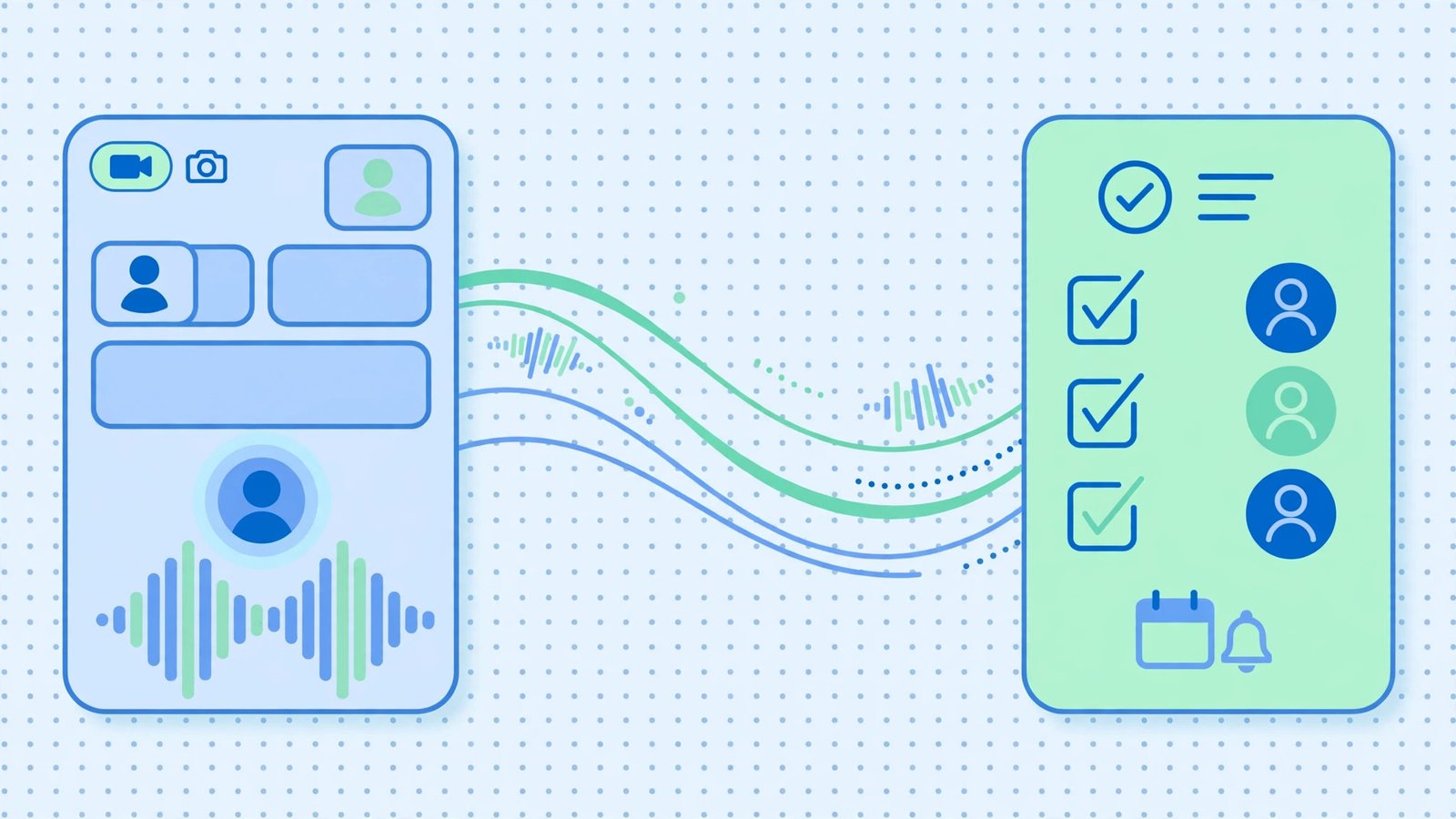
Plenty of guides on how to automate meeting notes with AI jump straight to tool recommendations. The pipeline matters more. Automating meeting notes with AI is a pipeline, not a single tool: capture, transcript, extraction, and assignment — and each stage can be swapped independently. What each stage does:
- Capture. The meeting audio is recorded — by your video platform, a notetaker bot that joins the call, or a local recorder. Garbage in, garbage out.
- Transcribe. Audio becomes timestamped text with speaker labels. A commodity now; every serious tool does it well.
- Extract. AI reads the transcript and pulls out decisions, action items with owners and deadlines, and open questions. This is where quality varies wildly.
- Assign. The items land where work happens — your task manager or a team digest. A pipeline that ends in a notes doc nobody opens is a filing system, not automation.
Example: a weekly sales standup. Before, someone typed notes live, missed half the follow-ups, and emailed a summary two hours later. After: the bot joins automatically and each rep’s follow-ups appear as assigned tasks before anyone stands up.
How do you capture the audio without it becoming a hassle?
The laziest reliable option is the notetaker bot — Fireflies, Otter, or Fathom join scheduled calls automatically once connected to your calendar. Set it once and forget it. The tradeoff: a third-party bot sits in your meeting, and another vendor holds your audio.
The middle path is your platform’s own recording plus its AI companion — Zoom, Teams, and Meet all have one on business plans. Nothing extra joins the call, but action-item extraction is shallow next to a strict custom prompt.
Keep a local backup recording — redundant capture sounds paranoid until the one call you needed most has no transcript. And announce the recording at the start of every meeting: surprising a colleague with a transcript after the fact destroys trust in the whole system.
Which tool actually extracts action items best?
I compared the three setups on the same meetings — not on summary quality, readable everywhere, but on action items, which is what anyone acts on.
Dedicated notetakers were the best all-rounders: reliable auto-join, clean speaker labels, summaries in minutes, and lists that caught the obvious follow-ups. They missed follow-ups buried in side conversations — the “oh, before I forget” items that surface after the topic moved on.
Platform AI companions were the fastest and most forgettable. Summaries appeared almost instantly, but the action items read like minutes from 1998: “The team discussed the launch.” Fine as a memory aid, useless as a task list.
The DIY route — raw transcript plus a strict prompt — won on action-item quality by a clear margin. A strict, schema-first prompt extracts cleaner action items than any tool’s default summary, because it defines what an action item looks like before the AI reads the transcript. It caught 11 of 12 genuine follow-ups across my test meetings, including two the dedicated tools missed. The catch: it stays manual unless you wire it up. Bot capture plus a strict prompt is my honest answer to how to automate meeting notes with AI well.
Which AI notetaker fits your team: Otter, Fireflies, or Fathom?
All three transcribe well now, so the choice is not about the transcript. It is about what happens after the transcript exists: who reads it, where the action items go, and what the free tier stops you doing.
| Tool | Best at | Live transcription | Summaries and action items | Free tier | Watch out for |
|---|---|---|---|---|---|
| Otter | A shared, searchable archive of every meeting | Yes — words appear on screen while people are still talking | Solid summaries, but action items are the weakest of the three and often need a second pass | 300 minutes a month, 30 minutes per meeting | It rations minutes. A heavy meeting week burns the allowance fast |
| Fireflies | Sales and operations: the transcript feeds the CRM | No — notes arrive after the meeting | Best structured summaries of the three: topics, decisions and action items assigned to people | 400 minutes of storage per team, limited AI summaries, 20 one-time AI credits | It bills per seat the moment a teammate is added, and its AI credits are one-time grants at sign-up, not a monthly allowance |
| Fathom | Clean summaries for one person, free | No — notes arrive after the meeting | Cleanest summaries and highlights; the raw transcript is secondary by design | Unlimited recordings, minutes and summaries for individuals | CRM sync and team controls sit behind the paid plans |
Pick by the job, not the brand. If the team lives inside the transcript and searches old calls, Otter fits. If the output must land in HubSpot, Salesforce or Slack without anyone opening a document, Fireflies fits. If one person wants reliable notes without paying, Fathom’s free tier covers it — no reason to pay until it stops covering your meetings.
The extraction prompt matters more than the vendor. Run the transcript through a structured extraction prompt that forces decisions, action items, owners and deadlines into separate fields. Treat the output as a draft: a two-minute human scan catches what the transcript never had.
How to automate meeting notes with AI, step by step?
This is the version of how to automate meeting notes with AI that tested best in my two-week comparison — a notetaker bot for capture plus a structured prompt for extraction:
Step 1 — Set the bot to auto-join. Connect your calendar and turn on auto-join for internal meetings. For external calls, my rule: the bot joins only with written agreement; otherwise I use platform recording with a verbal announcement.
Step 2 — Install the extraction prompt. The heart of the workflow — paste this with the transcript attached:
From the meeting transcript below, extract exactly this structure:
1. DECISIONS — what was decided, and who made the call.
2. ACTION ITEMS — each as: task, owner, deadline. If no owner was named, write OWNER NEEDED. If the deadline is vague ("soon"), quote it as stated — never invent one.
3. OPEN QUESTIONS — raised but not resolved.
4. SUMMARY — one paragraph, max five sentences.
Ignore greetings, small talk, and repeated points.
Two rules matter: quote vague deadlines instead of inventing them — an AI that turns “soon” into “Friday” creates phantom commitments — and flag unowned items explicitly, because an action item without an owner is a wish.
Step 3 — Route the output. Connect the notetaker (or a Zapier/Make automation) to your task tool so action items become tasks in Asana, Todoist, or Notion, and the summary lands in the meeting’s Slack or Teams channel. Zero copy-paste — if a human ferries items between tools, the pipeline has a hole.
Step 4 — Add the two-minute human review. Before anything is assigned, the meeting owner scans the extraction for correct owners, deadlines, and anything sensitive — the cheapest quality control in the workflow, and the step teams skip right before an AI assigns a deliverable to the wrong person.
How do action items get to the right person instead of dying in a doc?
Every action item without an owner and a deadline dies in the notes doc — the routing step is the whole point of the automation. Three rules keep items alive:
- No owner, no action. Anything flagged OWNER NEEDED goes back to the meeting owner the same day — in my test, roughly a third of the important follow-ups had no named owner, and catching those is half the value of the pipeline.
- Deadlines travel with the task. An action item that arrives in your task manager without its deadline is a suggestion. Make the routing automation require the deadline field.
- One digest, one place. After the meeting, the team gets a single message — the summary plus their own items — in the channel they already read. The digest is the interface; everything else is storage.
For recurring meetings, append each week’s items to a running decisions log — six months later, “why did we decide that?” has a dated answer.
How accurate is AI meeting transcription, really?
Accurate enough to trust, not accurate enough to skip the review. Independent tests published in 2026 put all three leading tools in the same band, and the band moves with the room, not the vendor.
| Meeting condition | What to expect |
|---|---|
| Quiet one-to-one, good microphone | Around 95–97% of words correct |
| Clean audio, two or three speakers | Around 91–95% of words correct |
| Noisy group call, people talking over each other | Around 80–88%, with the wrong speaker tagged sometimes |
| Heavy accents or dense technical terms | Drops further; a custom vocabulary list helps where the tool supports one |
The gap between a good headset and a laptop microphone is bigger than the gap between Otter, Fireflies and Fathom — fix the audio before blaming the tool. No tool clears the bar on its own in a real meeting, which is why this guide’s two-minute human review is part of the workflow, not an optional extra.
Check the transcript the way you would check any AI output: names, numbers, dates and owners first.
What privacy questions is your team forgetting to ask?
Teams adopt AI notetakers and skip these questions until something awkward happens. Sort consent, transcript access, and retention before your first automated meeting, because retroactively fixing privacy is the one part of this workflow nobody wants to do.
- Consent. Some jurisdictions require every participant’s consent to record. Safe default: announce at the start of every call and get written agreement for client calls. “The bot joined automatically” is not consent.
- Who can read the full transcript? Share the summary broadly; restrict the raw transcript to the meeting owner. Exact phrasing out of context causes fights.
- How long is audio kept? Check retention settings now — most notetakers support auto-deletion, so use it. Keeping every meeting forever is a liability, not an asset.
- What about sensitive meetings? HR, legal, layoff planning — decide in advance these are never bot-recorded. One accidental transcript of a confidential conversation undoes a year of trust.
- Where does the data live? Know which vendor holds your audio and whether their policy allows model training on it. In regulated industries, verify before you automate, not after.
What does the free tier actually cover before you pay?
Free is enough to prove the workflow. Pay only when the free tier’s limits block a workflow that already works — the same rule this site’s budgeting guide applies to every automation purchase.
| Tool | Free tier covers | First paid step | When free stops working |
|---|---|---|---|
| Otter | 300 minutes a month, 30 minutes per meeting | A paid plan for more minutes and team features | Your team holds more than about five hours of meetings a month |
| Fireflies | 400 minutes of storage per team, limited AI summaries, recordings up to 2 hours each | A paid seat for more storage and integrations | Storage fills up, or you need unlimited summaries and deeper integrations |
| Fathom | Unlimited recordings, minutes and summaries for individuals | A paid plan for CRM sync and admin controls | You need the notes to flow into a CRM automatically |
Start on free, measure one month of real meetings, and only then decide. A paid plan bought before the workflow is proven is the most common way small teams overspend on meeting tools — the workflow earns the subscription, not the other way round.
If the notes also need to reach people by email without manual forwarding, route the AI output into a human review queue instead of sending it straight to the inbox.
Frequently asked questions
Is it legal to use an AI notetaker in meetings?
It depends on where everyone is: some jurisdictions require all participants’ consent, others only one party’s. The safe practice everywhere: announce the recording at the start of each meeting, get explicit agreement on client calls, and check your company’s policy before a team-wide rollout.
Do AI meeting notes miss important context?
Sometimes. AI captures what was said, not the whiteboard sketch or the pre-call hallway chat. Treat the extraction as a draft a human scans for two minutes — that review catches what the transcript never had.
Can these tools handle multiple speakers and accents?
Speaker identification is solid on major platforms and accent accuracy is far better than two years ago — but names still get mangled. Skim for colleagues’ names before sharing externally; that is where errors cluster.
What is the cheapest way to start automating meeting notes?
Start with your video platform’s AI companion if your plan includes one — it costs nothing extra. Otherwise, Fireflies’ or Otter’s free tiers cover a few meetings a month. The DIY route (platform recording plus a free chatbot with the prompt above) is my pick for anyone learning how to automate meeting notes with AI on a budget: free, with better action items, at the price of a few minutes of manual work.
Which AI notetaker is best for sales calls?
Fireflies, because its summaries are structured around decisions and action items and its CRM integrations are the deepest of the three — the notes land in HubSpot or Salesforce without anyone opening a document. Otter is the better pick if the sales team actually re-reads transcripts and searches old calls.
Is Fathom really free?
Yes, for individuals: unlimited recordings, minutes and summaries on the free tier, with no time limit. The paid plans add CRM sync and admin controls. If the free tier covers your meetings, there is no reason to pay yet.
Can I stop the bot joining a call I did not approve?
Yes. Turn off auto-join for external meetings, require the meeting owner to invite the bot, and check the calendar connection’s auto-join list weekly. For client calls, use your platform’s own recording with a verbal announcement instead of a third-party bot.
Was this guide helpful?
Tell us what needs improving →
Your selection stays on this page. To send feedback to the publication, use our contact form.
About this publication
From OptimaFlow AI
Practical guides to AI, automation, and better everyday workflows. We use illustrative examples and original diagrams, with AI-assisted writing and illustrations.
Read our editorial approach →About OptimaFlow AI