A WordPress Maintenance Routine for an AI-Assisted Publishing Site
Keep an AI-assisted WordPress site organized with backups, update checks, content review, form tests, and a simple maintenance log.
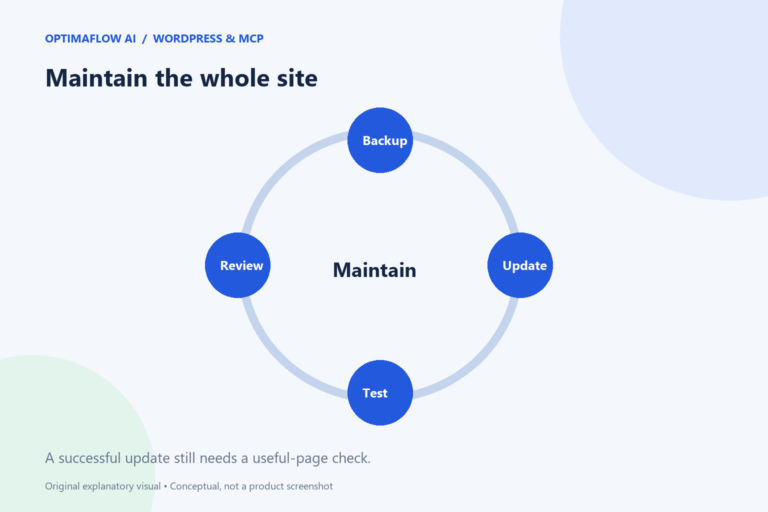
AI-assisted publishing adds content quickly, but it does not maintain the website that delivers it. A routine should cover recoverability, plugin changes, broken pages, forms, and outdated articles. Start with a small schedule and an owner so maintenance remains visible after the initial launch.
Know what needs to be recoverable
A WordPress site contains database content, uploaded media, themes, plugins, and configuration. Confirm which parts the backup process includes and where copies are kept. A backup status message does not establish that a restore has been tested.
Record the responsible person and the steps for requesting or performing recovery. Use an appropriate staging or test environment to verify a restore when available. Avoid destructive experiments on the only live copy of the site.
Review changes before and after updates
Keep plugins and themes current according to the site’s maintenance plan. Check official release notes for changes that may affect templates, forms, caching, or integrations. Preserve a recovery route before changing important components.
After an update, visit the homepage, an article, a tool, and the contact page. Test menu controls and representative form behavior. An update can succeed technically while changing page spacing or script behavior. Keep a short record of what was checked and any observed issue.
Inspect the publishing system
Review draft queues, scheduled posts, media attachments, and author information. A connected assistant should use the intended account and permissions. Do not broaden access merely to avoid a routine error.
Check whether new guides appear in the directory, internal links, and sitemap. If the site uses a curated card collection, publishing a post alone does not add its card. Document that step so future publishing follows the same process.
Maintain content and contact paths
Review product-specific instructions and decision-relevant claims when their sources change. Correct broken links and label meaningful updates. Do not refresh dates automatically to create the appearance of a recent review.
Check that the contact form still renders and that the publisher’s mailbox can receive messages. A delivery test requires an appropriate recipient and authorization; blank-field validation alone does not prove email delivery. Keep the difference clear in the maintenance log.
Use a manageable schedule
A simple routine can group checks by purpose: urgent fixes when a failure appears, regular operational checks, and deeper content reviews. Choose timing based on site activity and the importance of each function rather than an arbitrary universal schedule.
Start a log with date, change, affected page, check performed, and result. Link this with the workflow documentation and troubleshooting guide. The goal is a site you can understand and recover, not a long checklist nobody completes.
Example: a post-update check
After a form plugin update, open the contact page and inspect its labels and required fields. Test empty-field validation without sending a message. Separately arrange an authorized delivery test to the publisher’s mailbox; the first check does not establish that email works.
Then open a tool page and an article on a narrow viewport. Record what changed and whether a recovery action was needed. A short evidence log is more useful than saying “the site seems fine” after viewing only the homepage.
Avoid an incomplete backup assumption
A copy of the database alone may not contain uploaded images or configuration. Confirm the backup scope and recovery method before relying on it for an important change.
Frequently asked questions
Does a caching plugin replace maintenance?
No. Caching addresses delivery performance. It does not verify backups, update content, or ensure forms and integrations work.
Can AI handle all updates automatically?
It can assist with reviews and permitted changes, but important updates need suitable recovery and verification. Keep responsibility with the publisher.